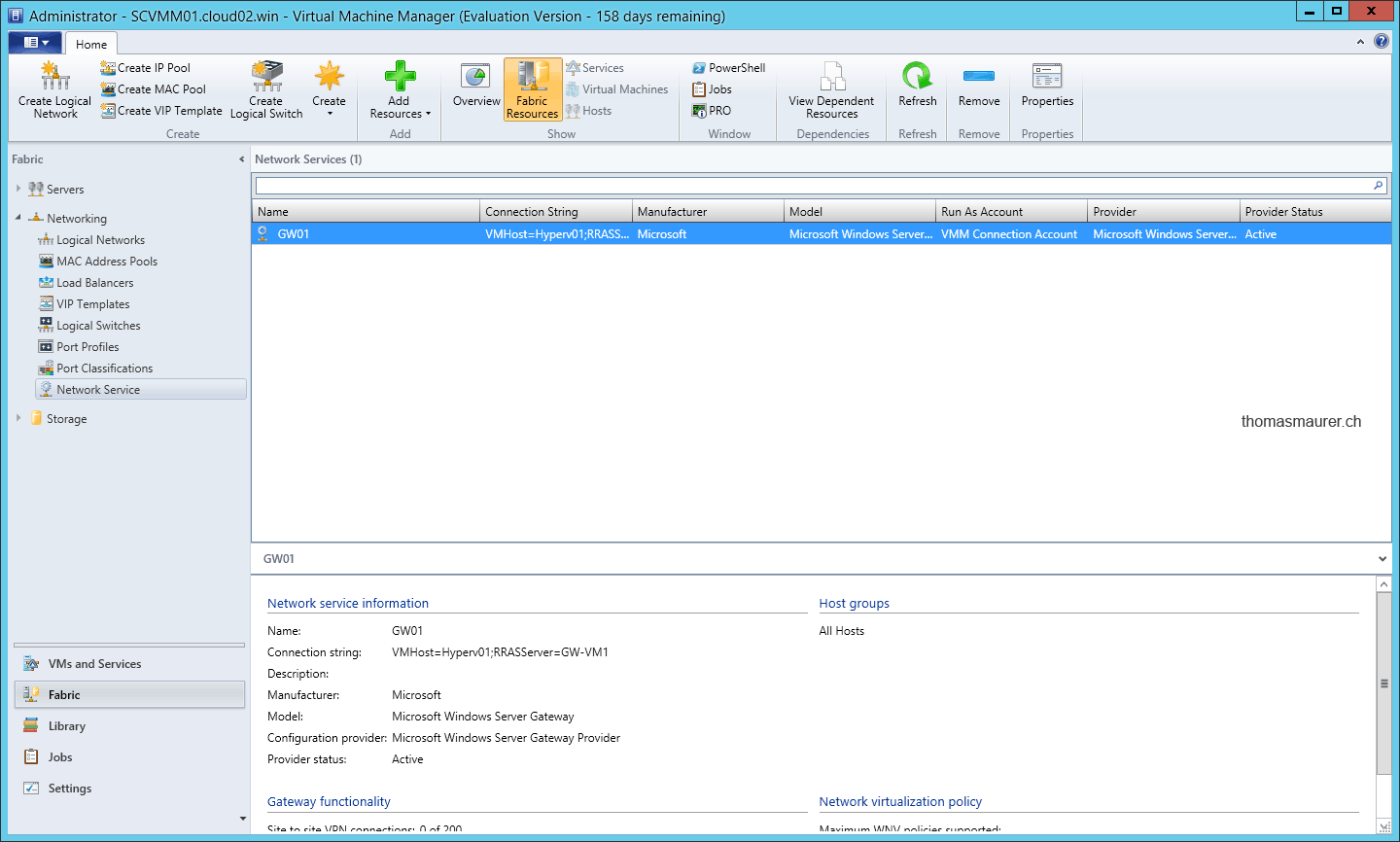
If you are using Hyper-V Network Visualization you can use the Microsoft Hyper-V Network Virtualization Gateway for your Virtual Machines to leave the VM Networks or to connected inside these Virtual Networks. If you have deployed the Hyper-V Network Virtualization Gateway, which is basically a virtual machine which you can deploy with a Service Template inside SCVMM, you have to connect this Gateway inside System Center Virtual Machine Manager.
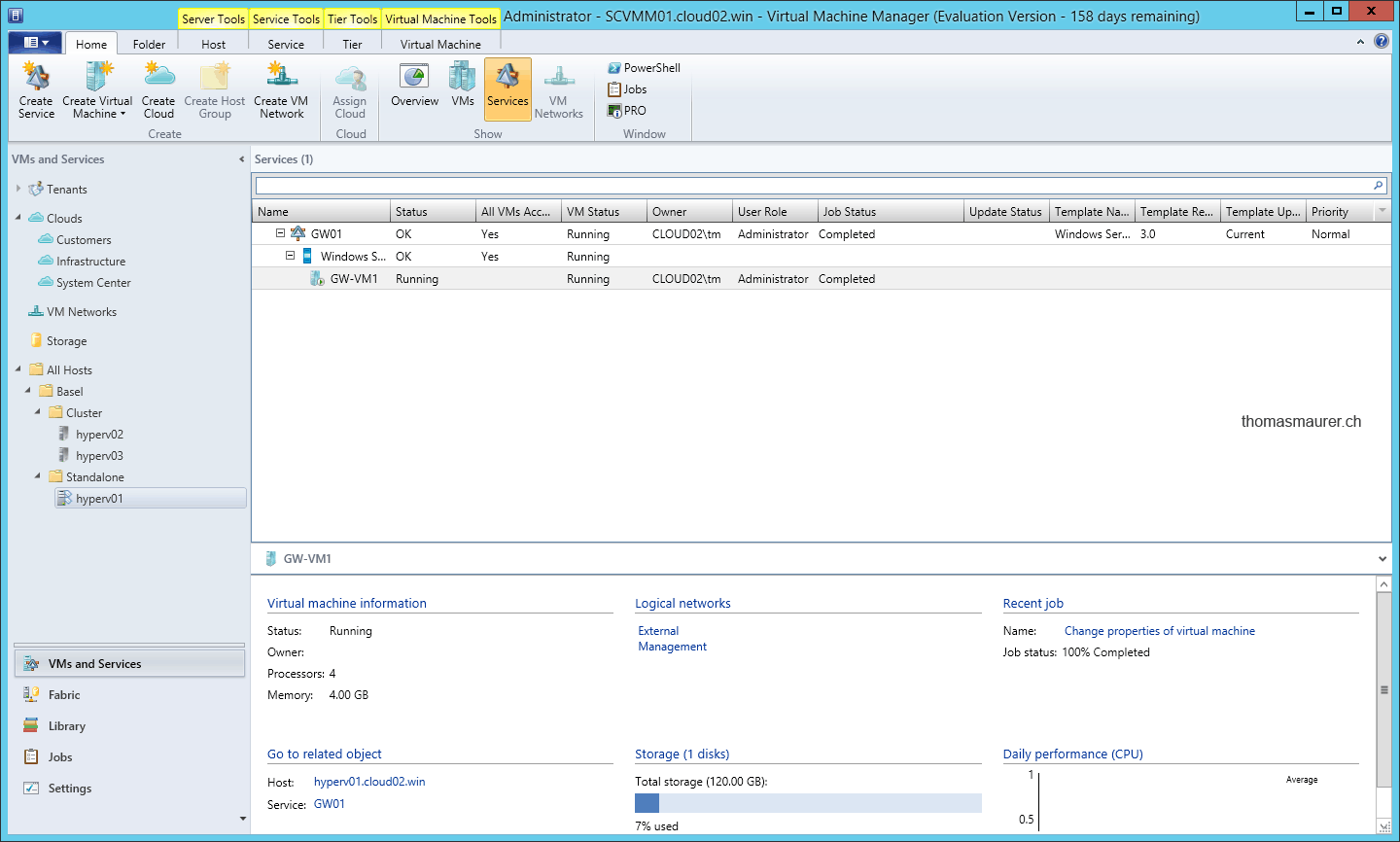
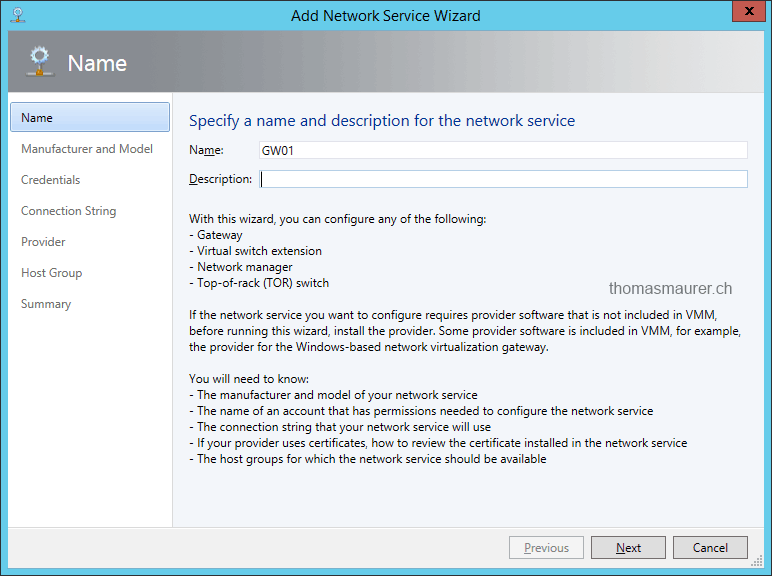
First open the SCVMM console and navigate to Fabric and add a new Network Service. Enter a name fort the Network Service.
Choose the Microsoft Windows Server Gateway as a model.

Setup the Run As account for the connection and enter the connection string for the Hyper-V Network Virtualization Gateway

If your Gateway is not domain joined you have to use Certificate for the communication between Virtual Machine Manager and the Hyper-V Network Virtualization Gateway.
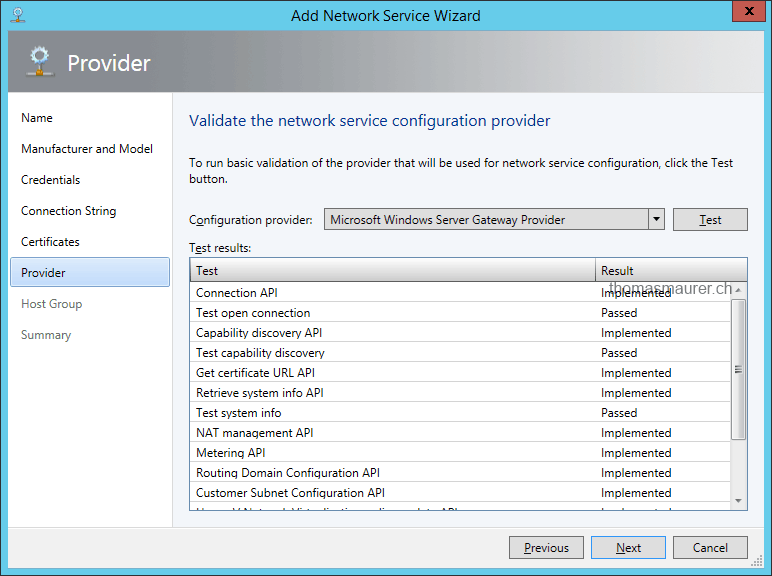
After that you can validate and test the network service configuration of the Gateway.
After you have added the Gateway you have to do a final configuration step in the properties of the Gateway.
You have to map the network adapters for the frontend (Internet, Corpnet) with the NIC and the back end which would be the tenant network to the specific NIC.

After that you can now finally add connectivity to your VM Networks which are using Hyper-V Network Virtualization, such as Site-to-Site VPN, Routing or NAT.