Yesterday at Sysinternals@25 special event for the birthday of the Sysinternals Suite, Mark Russinovich (Technical Fellow, CTO Microsoft Azure, and creator of the Sysinternals tools) announced not only Sysmon for Linux but also the Sysinternals Suite is now available in the Microsoft Store and Windows Package Manager (Winget).
So you can now get and install the Sysinternals Suite from the Microsoft Store.

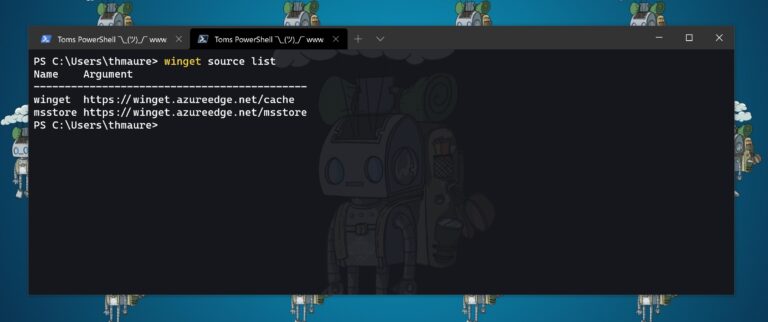
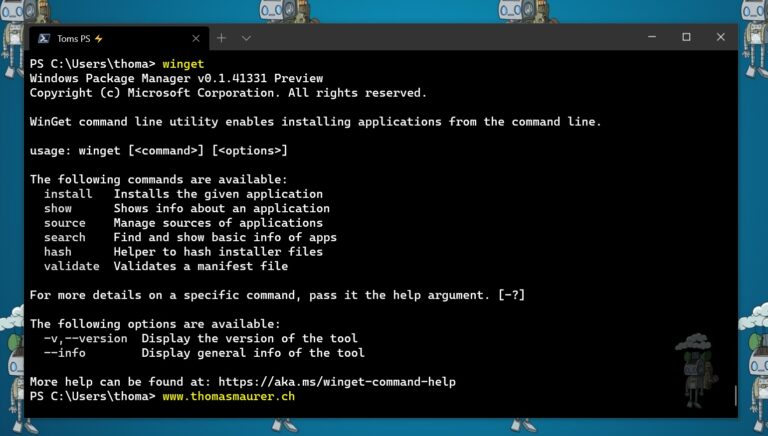
With Windows 10 and Windows 11, you can also use the Windows Package Manager (winget) by running the following command, to install the Sysinternals Suite from the command line.
winget install sysinternals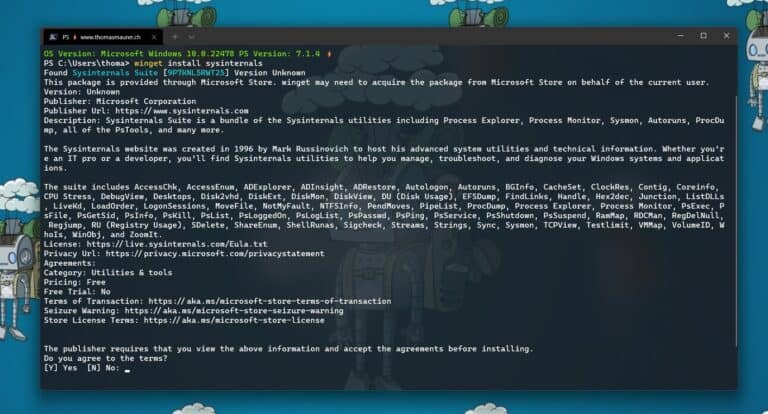
If you want to learn more about the Sysinternals check out the official website where you can learn more. And check out the following links:
- Read the official guide to the Sysinternals tools, Troubleshooting with the Windows Sysinternals Tools
- Read the Sysinternals Blog for a detailed change feed of tool updates
- Watch Mark’s Sysinternals Update videos on YouTube
- Watch Mark’s top-rated Case-of-the-Unexplained troubleshooting presentations and other webcasts
- Read Mark’s Blog which highlight use of the tools to solve real problems
- Check out the Sysinternals Learning Resources page
- Post your questions in the Sysinternals Forum