

Microsoft and the Internet of Things
With the release of Windows 10, Microsoft has not only a strong focus on Business and Consumer...

12 reasons to use Xbox Music
This week Apple launched their own music streaming service called Apple Music to compete with others like Spotify and other services. One...
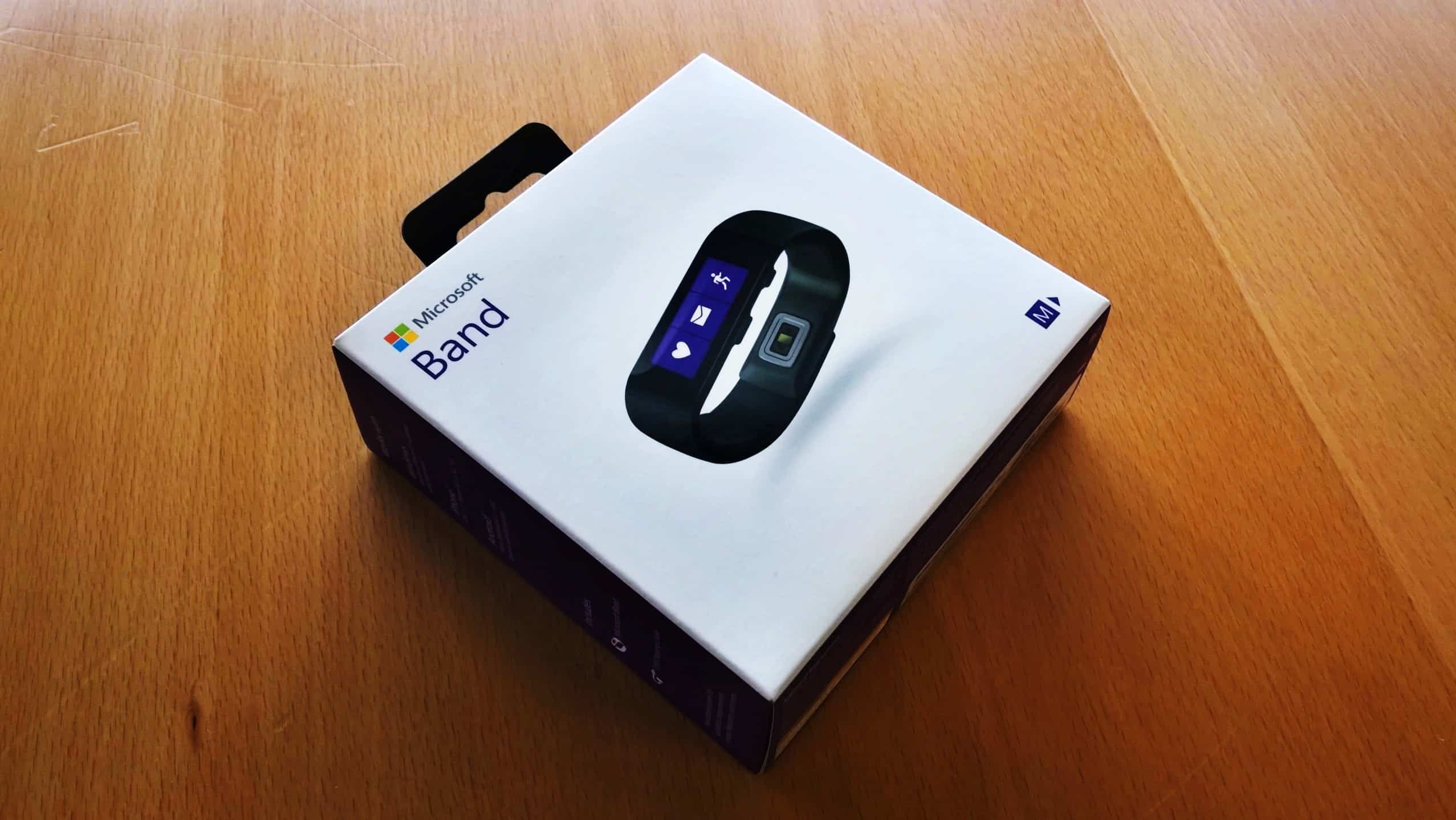
My Microsoft Band and Microsoft Health User Review
Back in November I finally got my Microsoft Band after spending a lot of time try to find one in different stores in the US. Since then I...
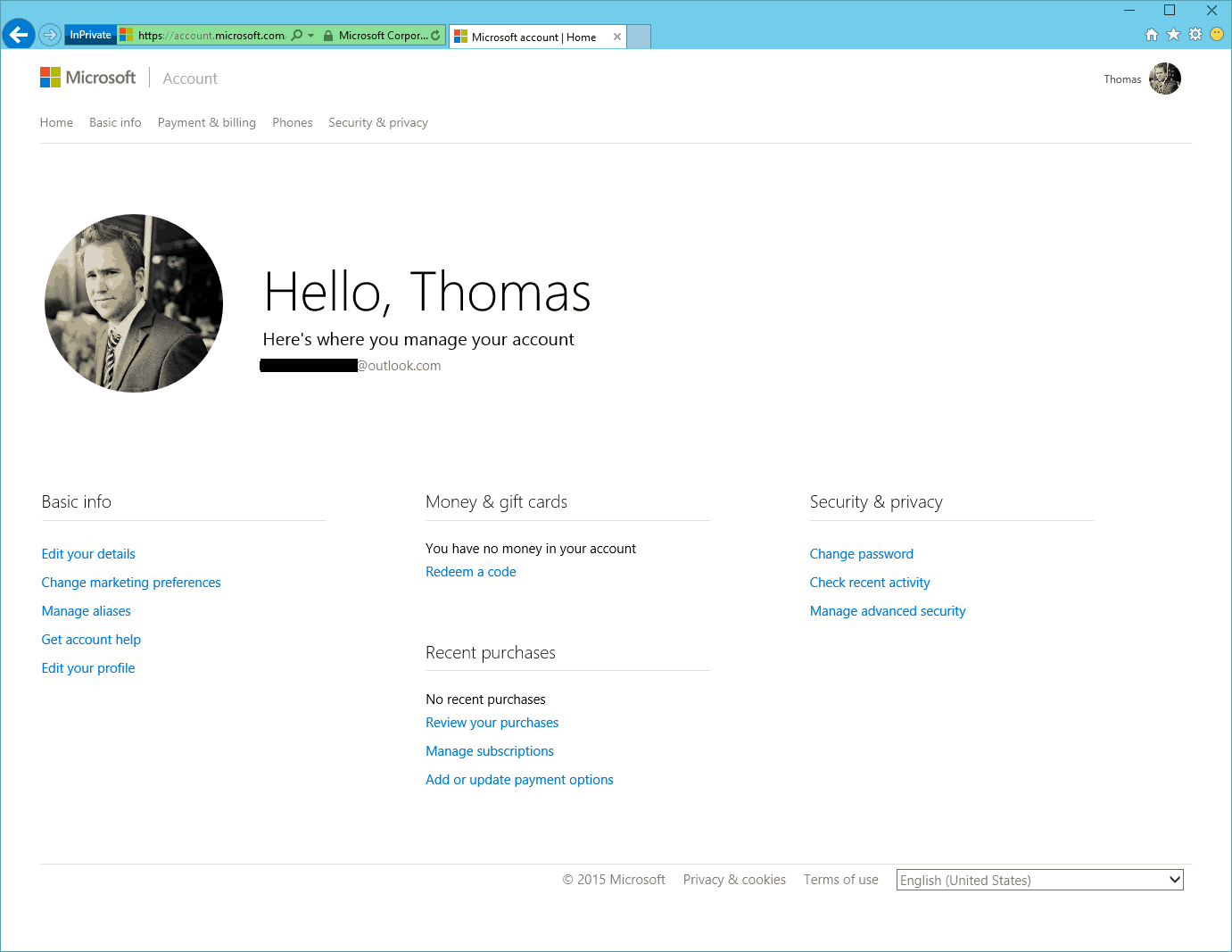
How to secure your Microsoft Account
For a lot of services you need a Microsoft Account right now. For example OneDrive, Skype, Xbox,...
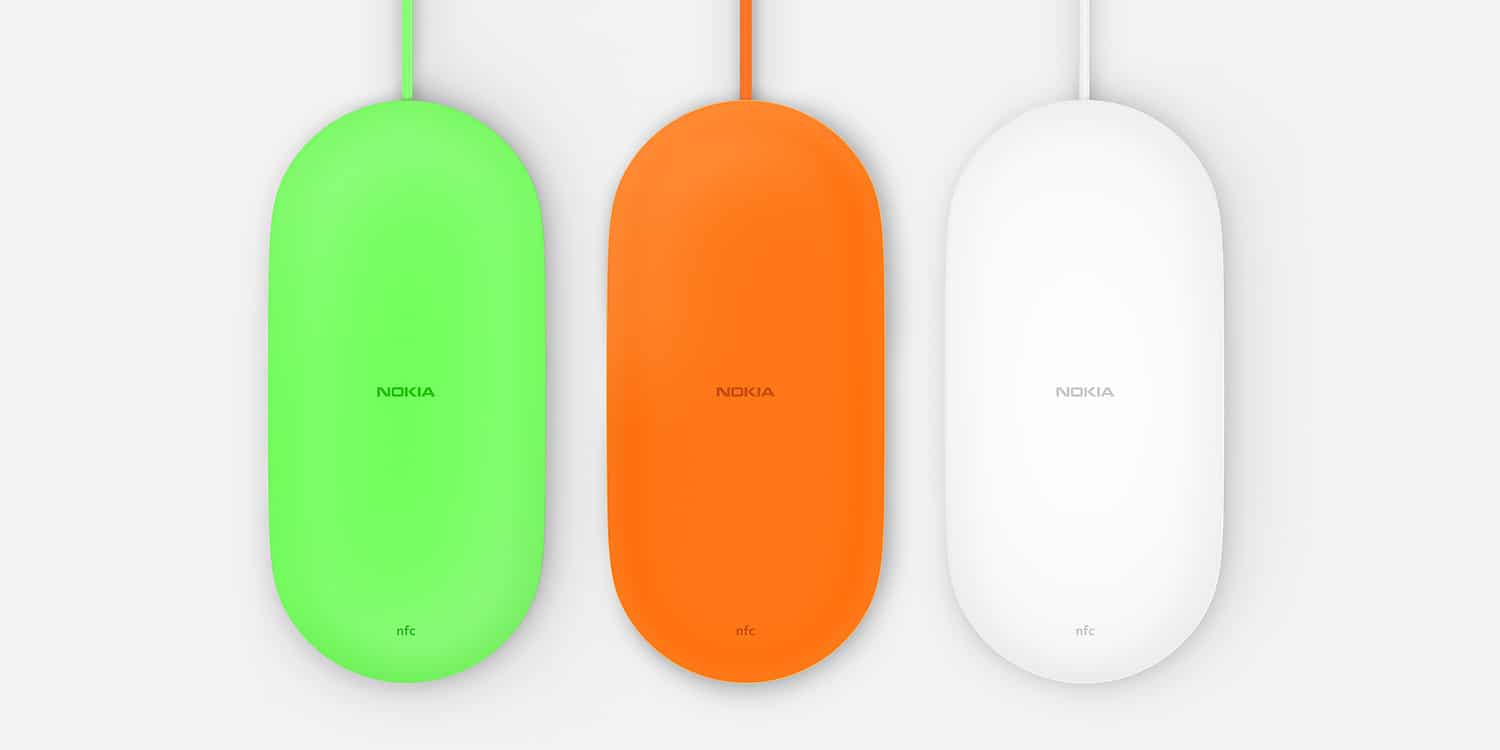
Quick review of the Nokia Wireless Charging Plate DT-903
Some days ago I got some new Microsoft or Nokia gadgets. One of the was the Nokia Wireless Charging Plate DT-903 which basically does...
My 2014
Another year ends and I am ready for a new one to start. Since Christmas time is not the busiest time of the year, I always find some...
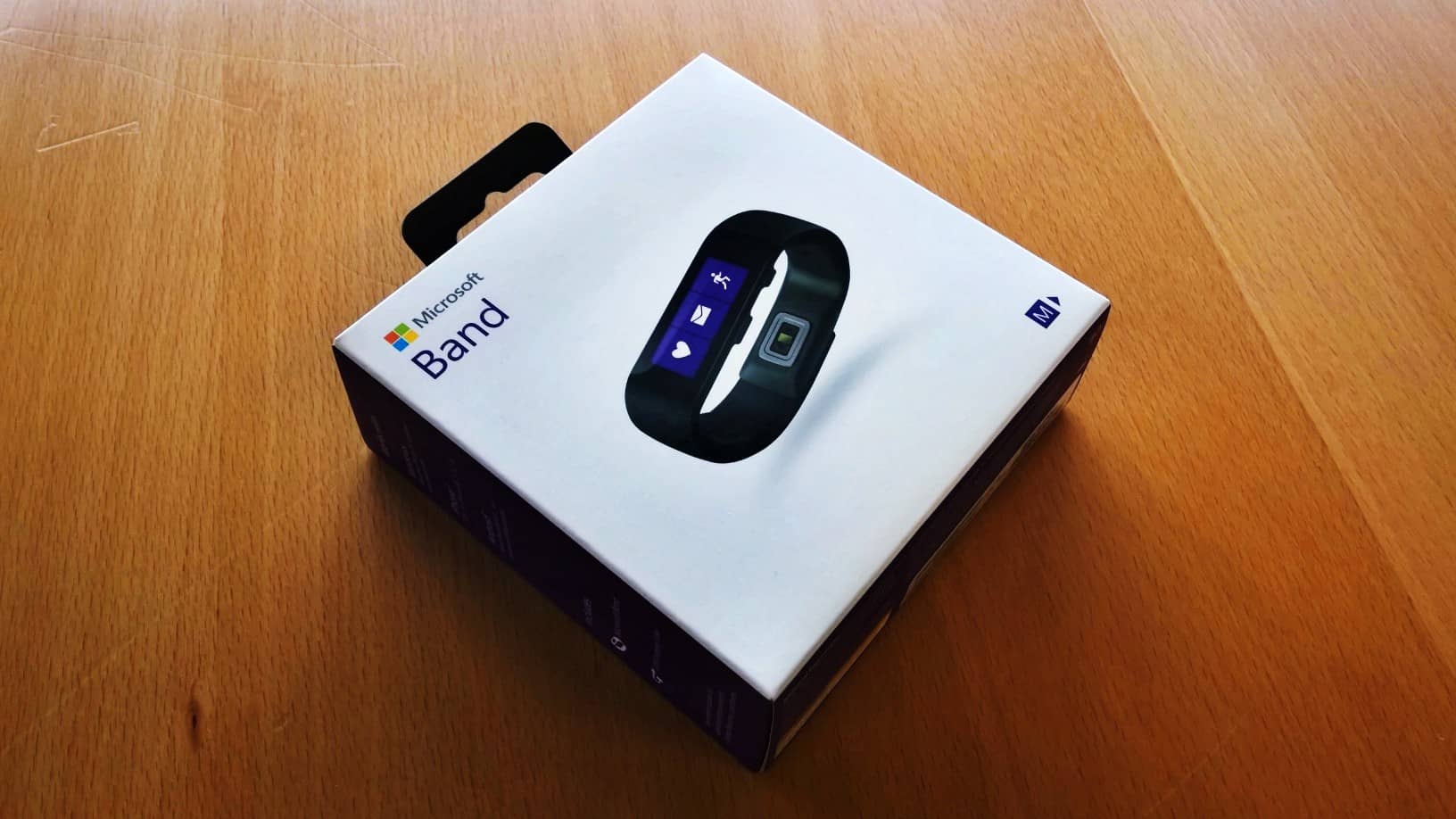
Finally got my Microsoft Band
When I got home from work last night a nice surprise was waiting for me. I finally got my Microsoft...
Microsoft Wireless Display Adapter
Some weeks ago I was in the US for a couple of days, I took advantage of that and visited the Microsoft Store to get a Microsoft Band which...
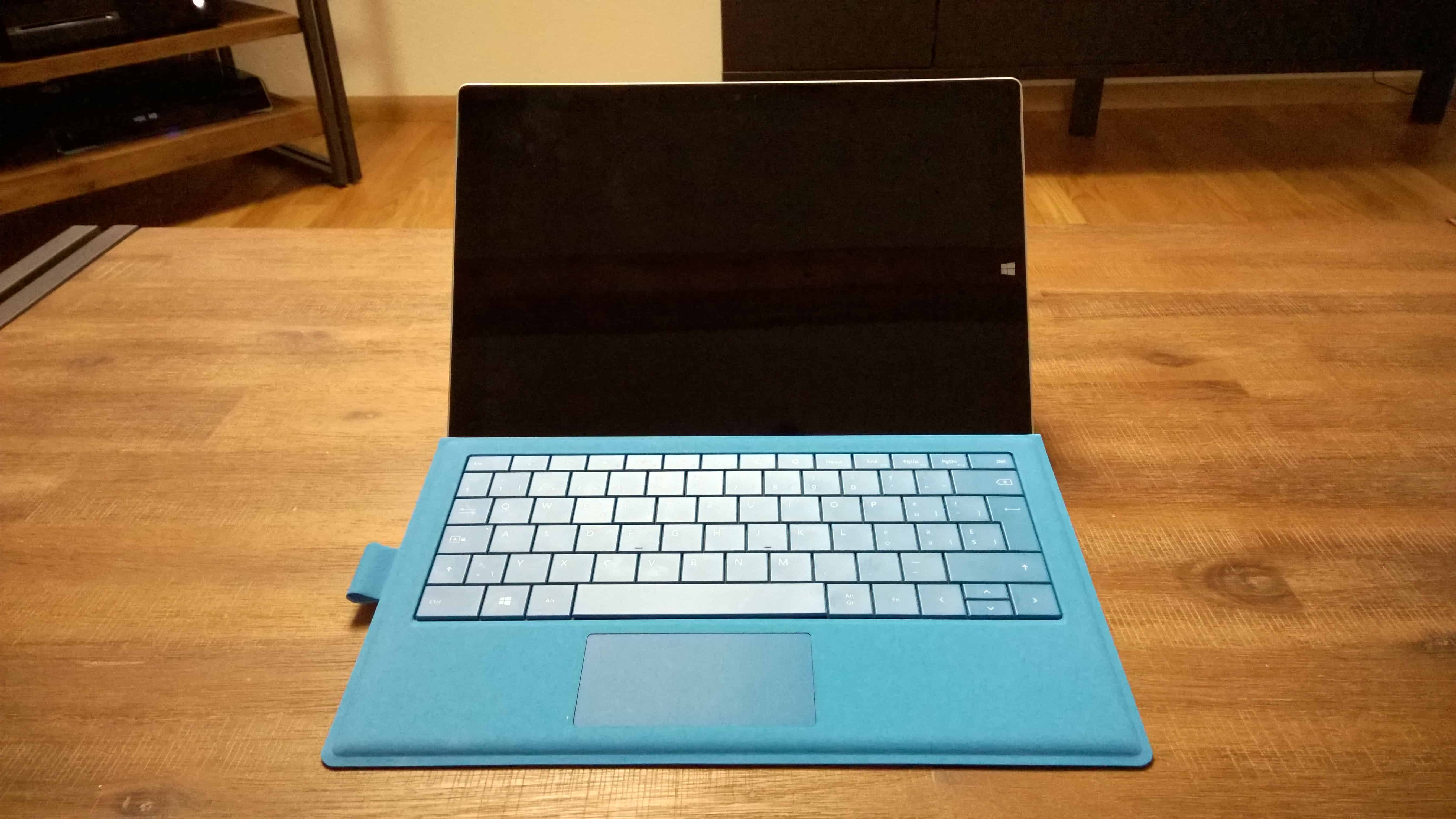
First Impressions of the Microsoft Surface Pro 3
Over a week ago, I finally got my Microsoft Surface Pro 3, and I will try to cover my first impressions in this blog post. Two years ago,...
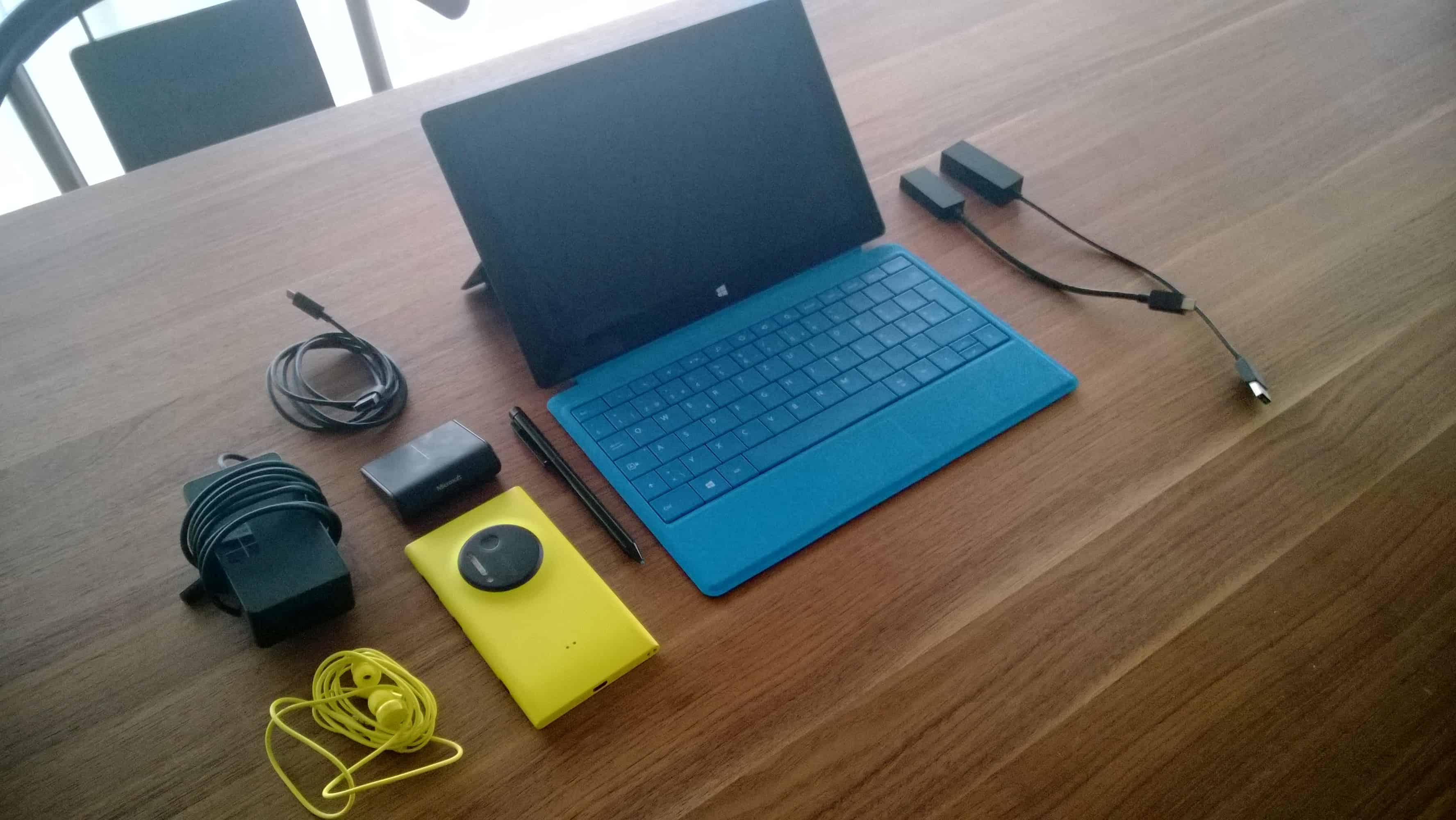
4 months working and traveling with the Surface Pro 2 and the Nokia Lumia 1020
In October 2013 I got my Surface Pro 2 which replaced my Surface Pro as my daily work device. Some...




