
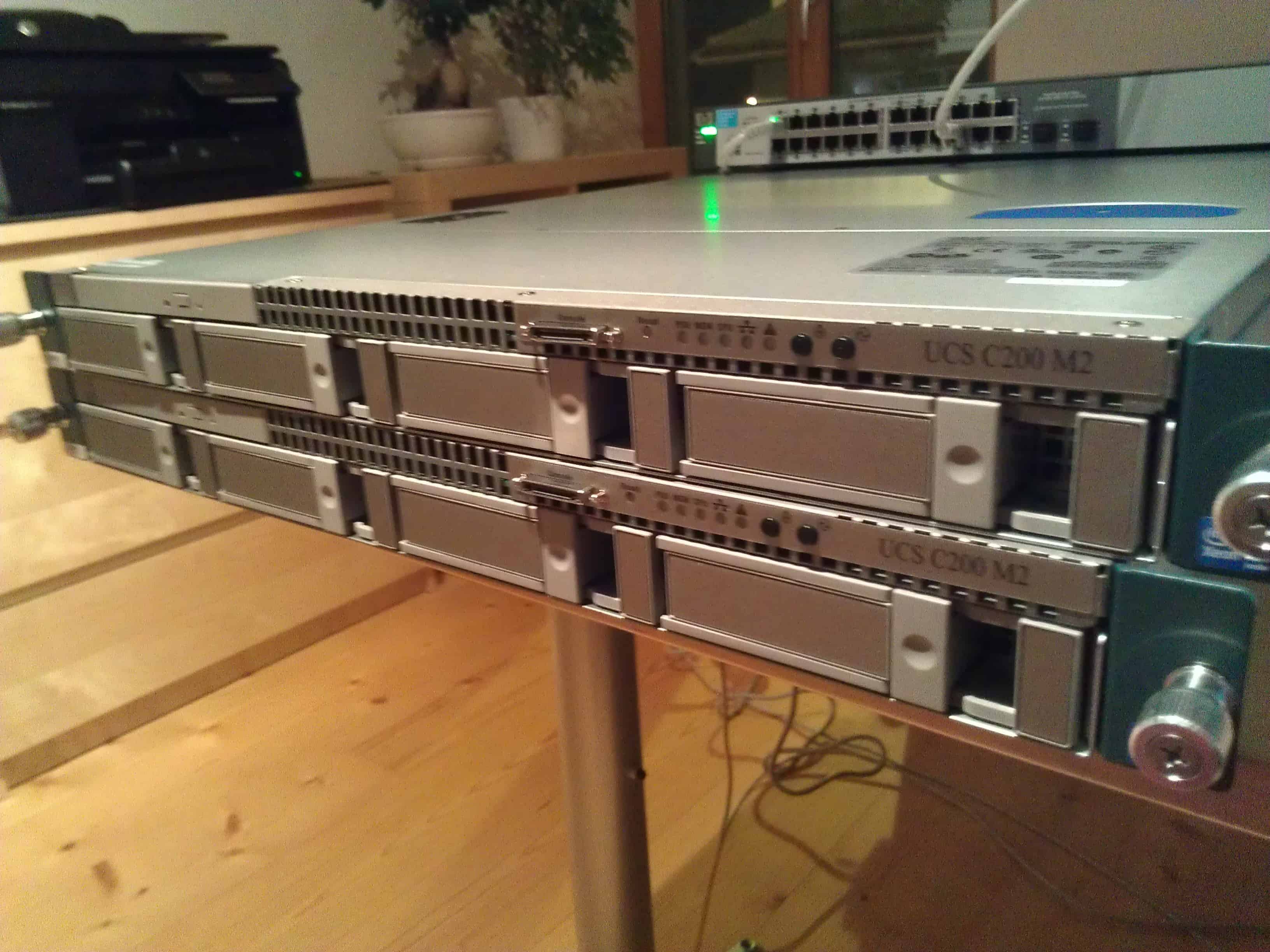
For my Lab I could buy some Cisco UCS C200 M2 rack servers. Of course I am running Hyper-V on my lab servers to get the most out of it, and I am very happy with the performance of the Cisco UCS standalone servers.

But still I did some changes in the BIOS settings to get some more performance.
Processor Configuration:
- Intel Turbo Boost Technology: enabled
- Enhanced Intel Speedstep Technology: enabled
- Intel Hyper-Threading Technology: enabled
- Number of Enabled Cores: All
- Execute Disable: Enabled
- Intel Virtualization Technology: enabled
- Intel VT for Directed IO: enabled
- Intel VT-d Interrupt Remapping: enabled
- Intel VT-D Coherency Support: enabled
- Intel VT-d Address Translation Services: enabled
- Intel VT-d PassThrough DMA: enabled
- Direct Cache Access: enabled
- Processor C3 Report: disabled
- Processor C6 Report: disabled
- CPU Performance: High Throughput
- Hardware Prefetcher: enabled
Memory Configuration:
- NUMA Optimized: enabled




Do you have an updated BIOS tuning for B200 M4s ?