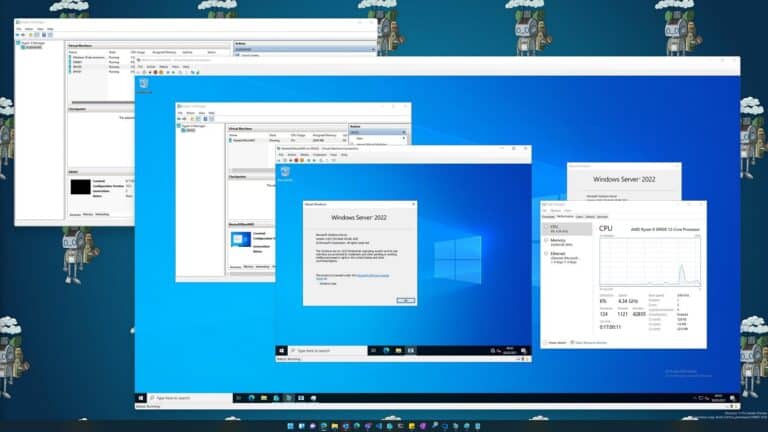
With Technical Preview 4 of Windows Server 2016 made the new Hyper-V Containers available. With that you can now use Windows Server Container and Hyper-V Container. To run Hyper-V Containers you have to make sure, you have Hyper-V Nested Virtualization active for your Container Host VM.
If you create a new Container it will create a Windows Server Container by default, if you want to create a Hyper-V container you have to switch the RuntimeType to Hyper-V.
With the following command you can see which RuntimeType the Container has:
Get-Container MyContainer01 | select Name, State, RuntimeType
To change the runtime Type to Hyper-V Container you can use the following command:
Get-Container MyContainer01 | Set-Container -RuntimeType HyperV
So switch it back to a Windows Server Container you can use the following command:
Get-Container MyContainer01 | Set-Container -runtimetype Default