
Microsoft’s new VMware migration offer for Windows Server 2016
Microsoft just announced a new VMware migration offer for Windows Server 2016. In a nutshell: If...
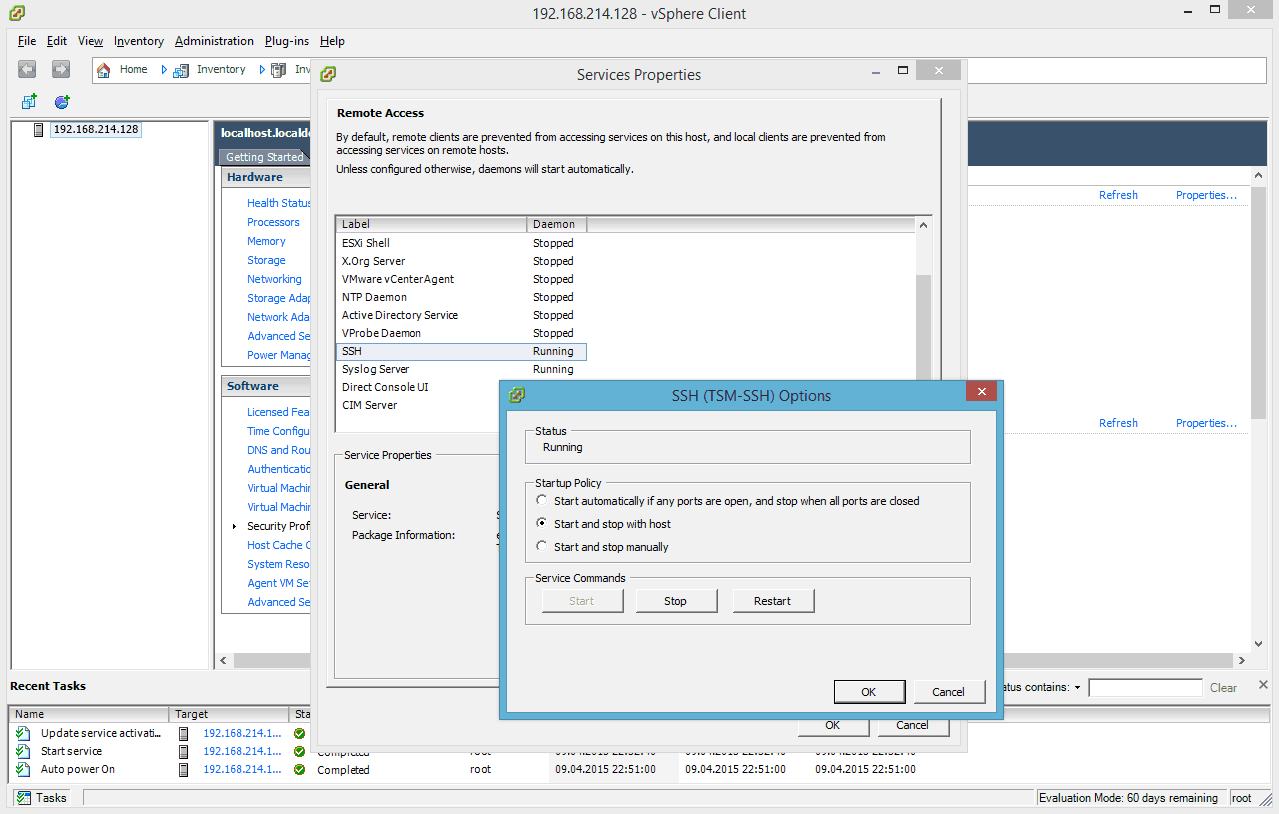
Enable SSH on VMware ESXi 6.0 via vSphere Client
In another blog post I wrote how you can enable SSH on a VMware ESXi 6.0 host directly on the host it self. In this blog post I show you...

Enable SSH on VMware ESXi 6.0
I already wrote some blog posts how you can enable SSH access for older VMware ESXi versions such as VMware ESXi 4.1, VMware ESXi...

Hyper-V is eating VMware’s lunch
During the WPC 2014 Keynote Microsoft COO Kevin Turner showed the following slide and commented it:...
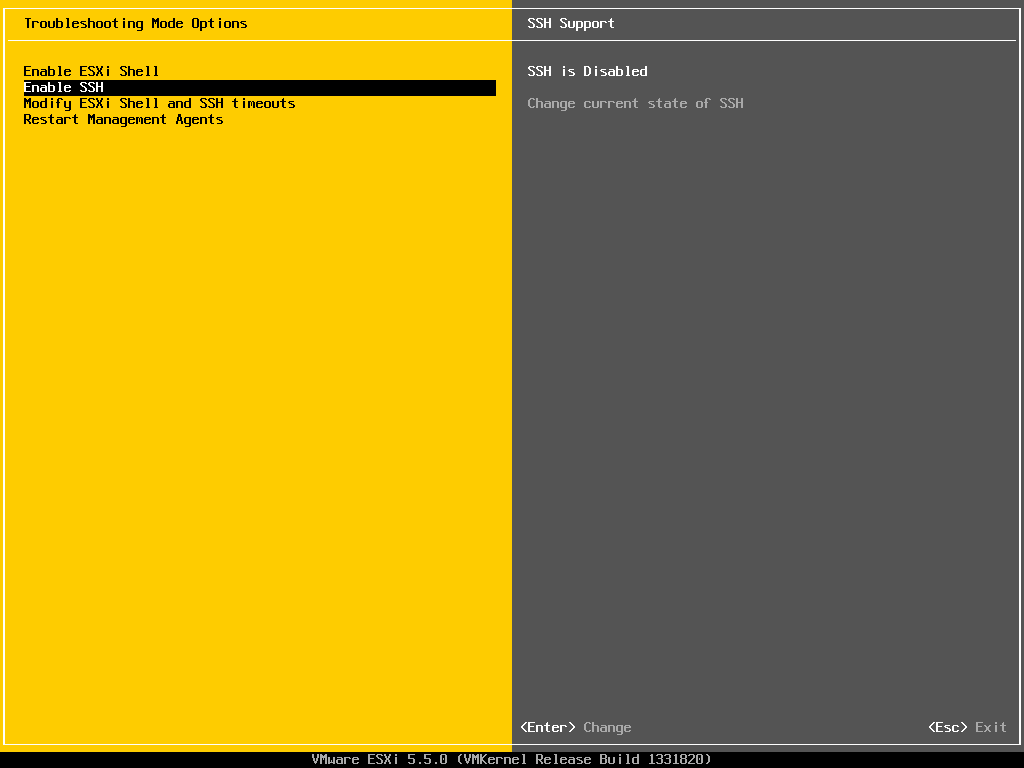
Enable SSH on VMware ESXi 5.5
I already wrote how you can enable SSH on a VMware ESXi 5.1, VMware ESXi 5.0 and VMware ESXi 4.1. This little guide shows you how you can...
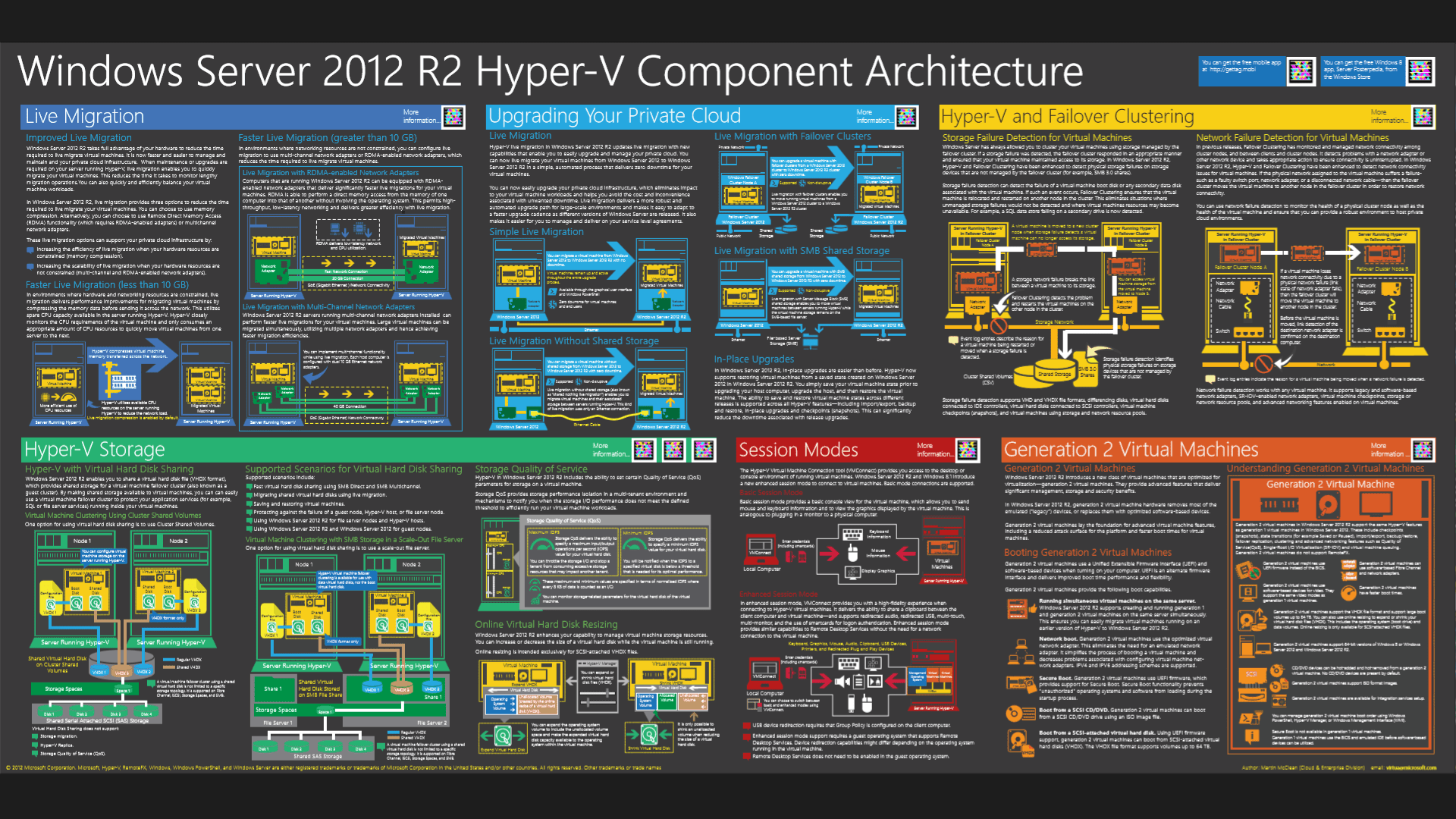
TechNet Switzerland Event: From VMware to Hyper-V
On Tuesday, December 03 I will present together with Markus Erlacher, former Microsoft Switzerland TSP and now Managing Director at itnetx...

Speaking at E2EVC 2013 Rome
E2EVC Virtualization Conference is a non-commercial, virtualization community Event. The main goal...
System Center 2012 SP1 – Virtual Machine Manager support for VMware vSphere ESX Hosts
As System Center 2012 SP1 was released, it officially supported VMware vSphere 4.1 and 5.1, there was no support for vSphere 5.0 in SCVMM...
Convert VMware vSphere Virtual Machines to Microsoft Hyper-V
On October 1st Microsoft released their Microsoft Virtual Machine Converter Solution Accelerator which includes Microsoft Virtual Machine...
Quick: Windows Server 2012 Hyper-V vs VMware vSphere 5.1
Some months ago I wrote a lot of post about Hyper-V vs VMware vSphere. At this time I compared...




