In the first two posts we did all the preperation for the System Center 2012 Unified Installer. Now in this post we are going finally to run the Unified Installer.
- System Center 2012 Unified Installer – Step by Step – Part 1
- System Center 2012 Unified Installer – Step by Step – Part 2
- System Center 2012 Unified Installer – Step by Step – Part 3
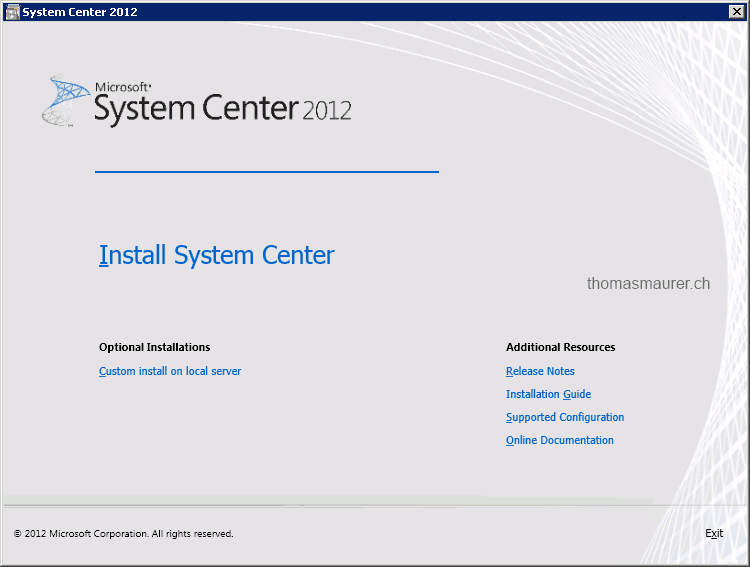
- Start the System Center Unified Installer
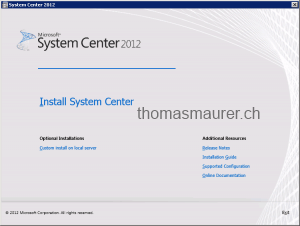
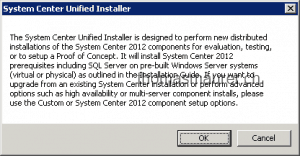
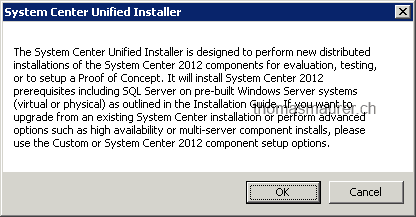
- The System Center Unified Installer is not made for production so read the warning and click okay.
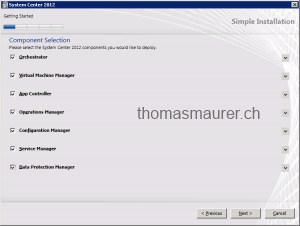
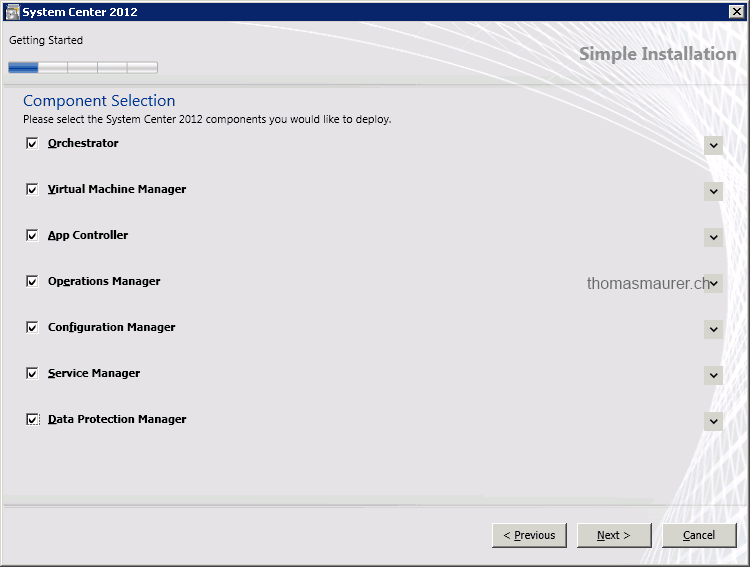
- Choose the System Center components you want to install.
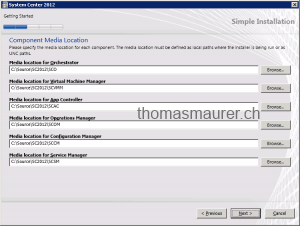
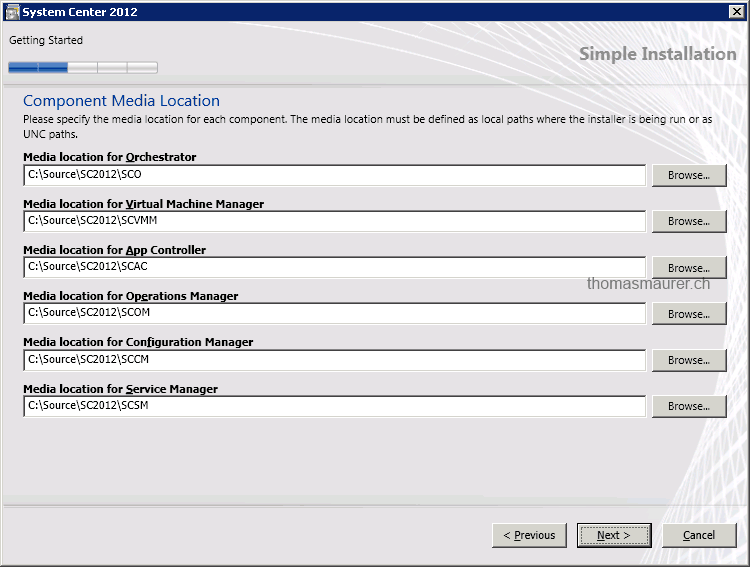
- Set the component media Location for each System Center product
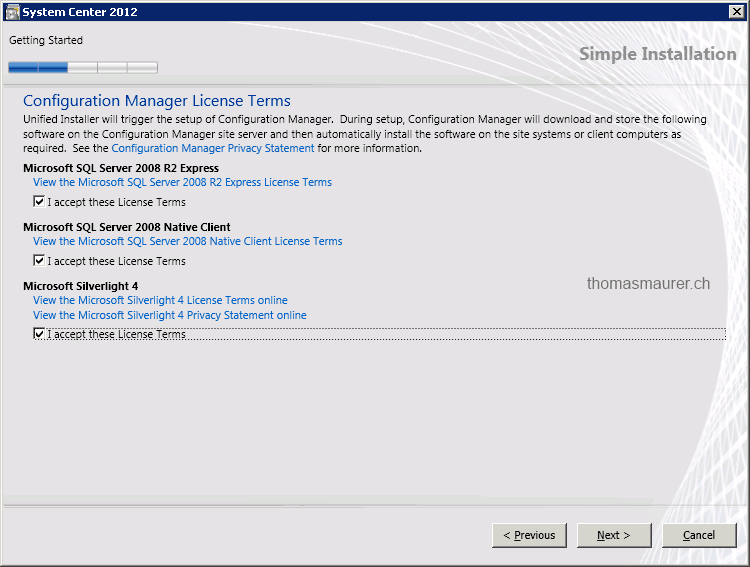
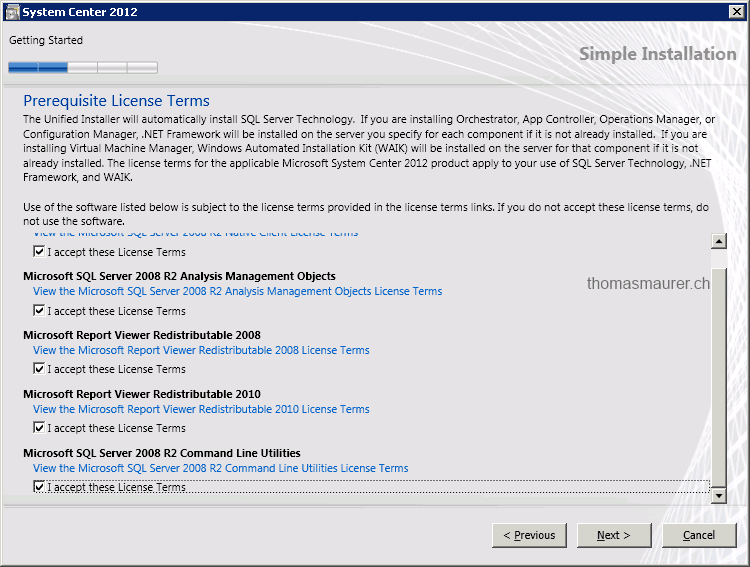
- Accept the License Terms for Configuration Manager and the Prerequisite License Terms

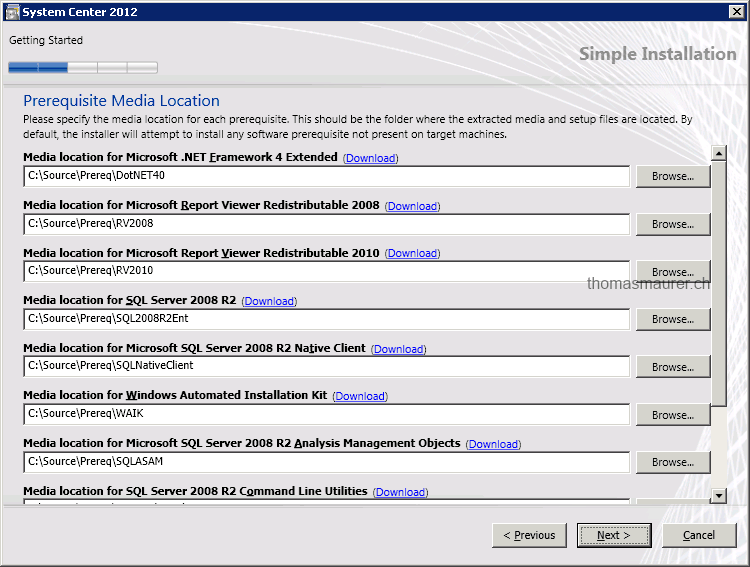
- Choose the Prerequisite Meida Locations
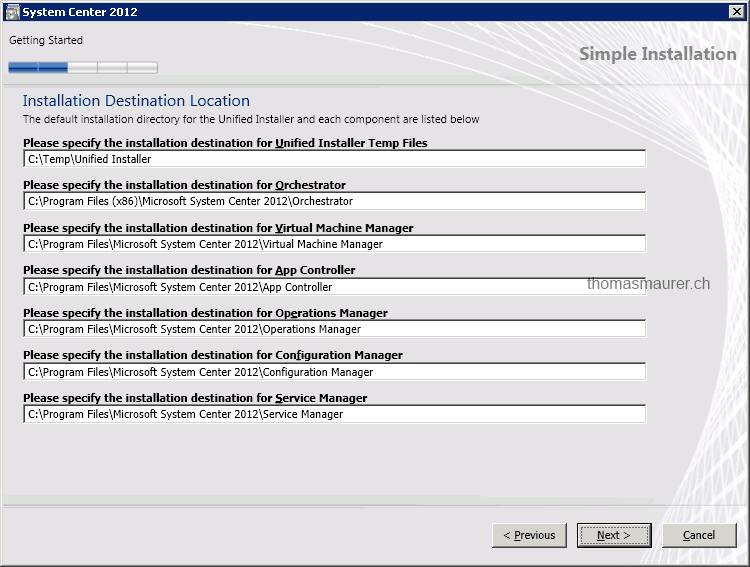
- Specify the Installation Location
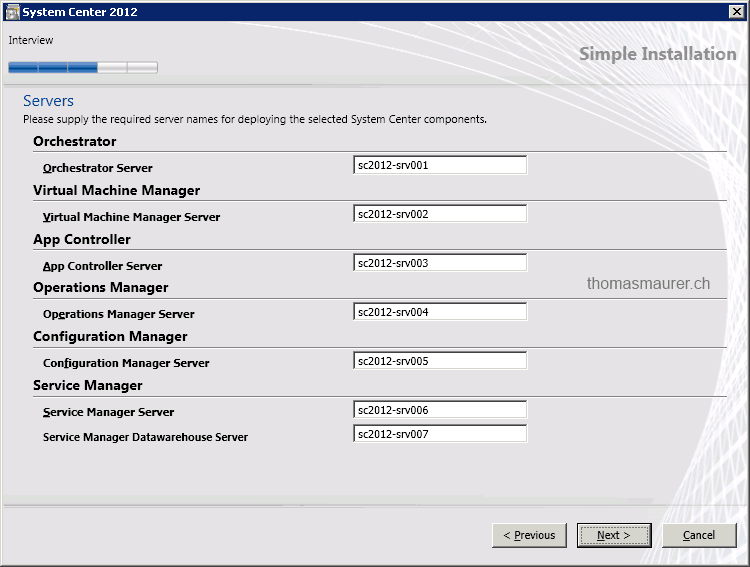
- Select the System Center Target servers
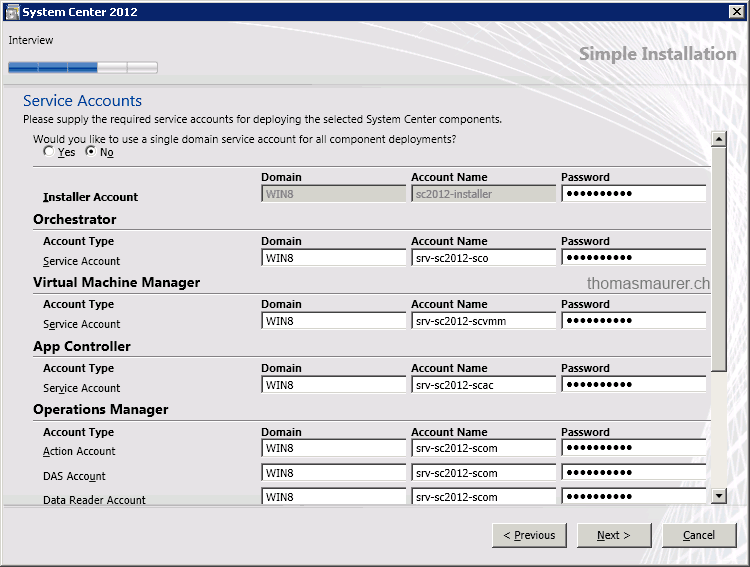
- Select System Center Service Accounts
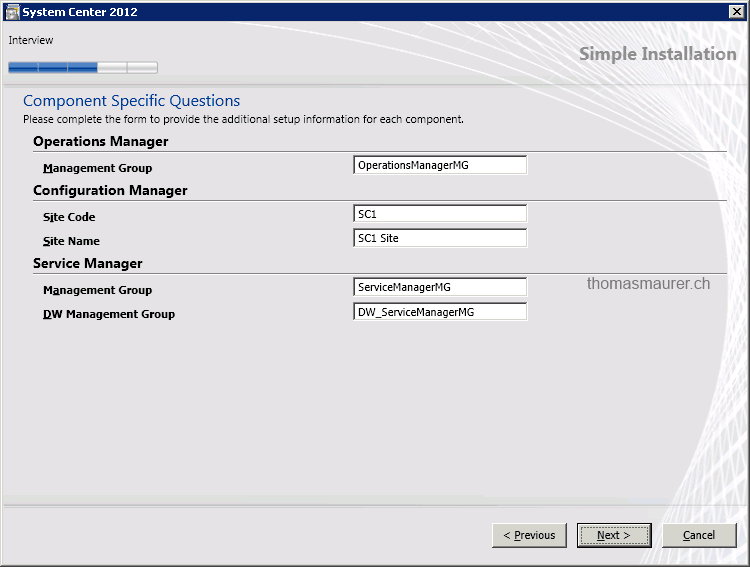
- provide some additional Setup information
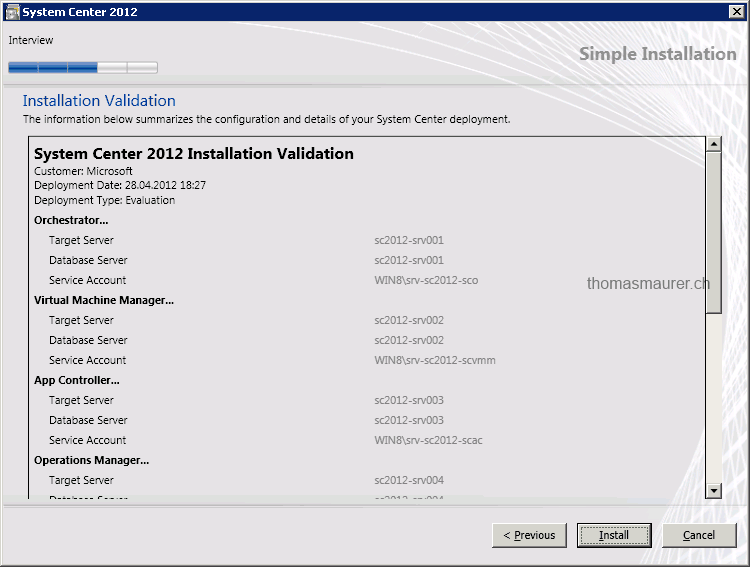
- Check the summary and click install
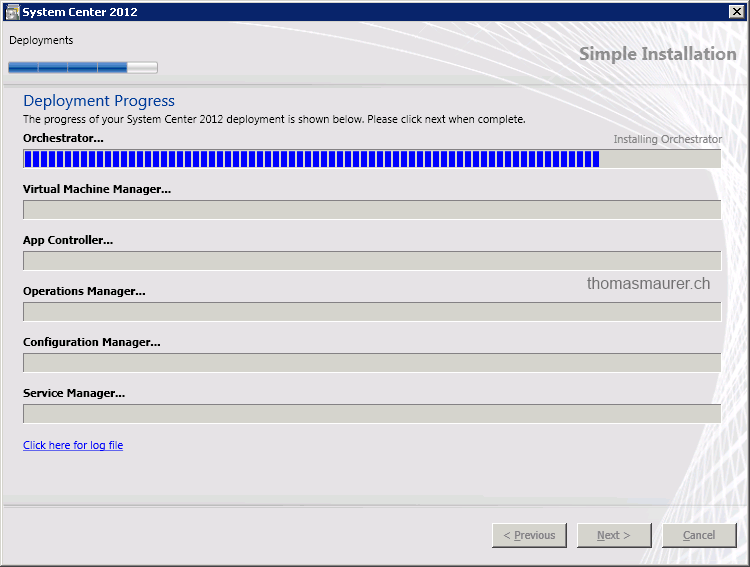
- Now the System Center Unified Installer will Setup the first Server with System Center Orchestrator
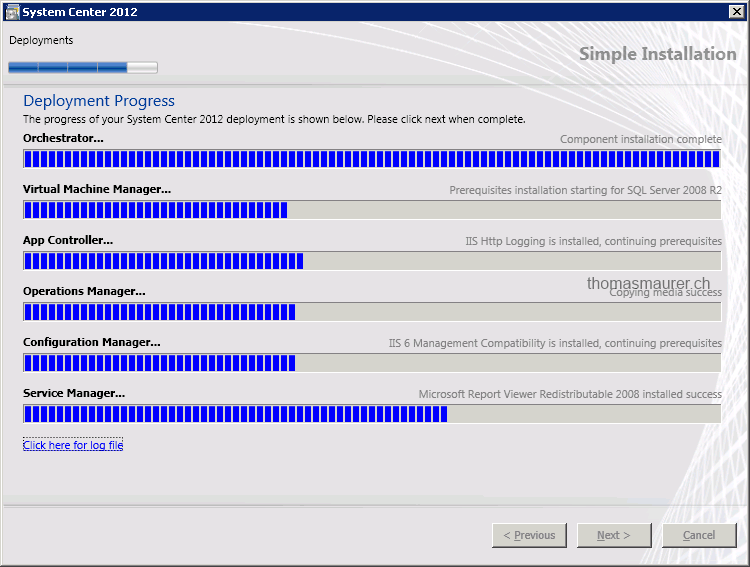
- After Orchestrator is deployed, it will Launch some Orchestrator runbooks to install the other System Center parts.
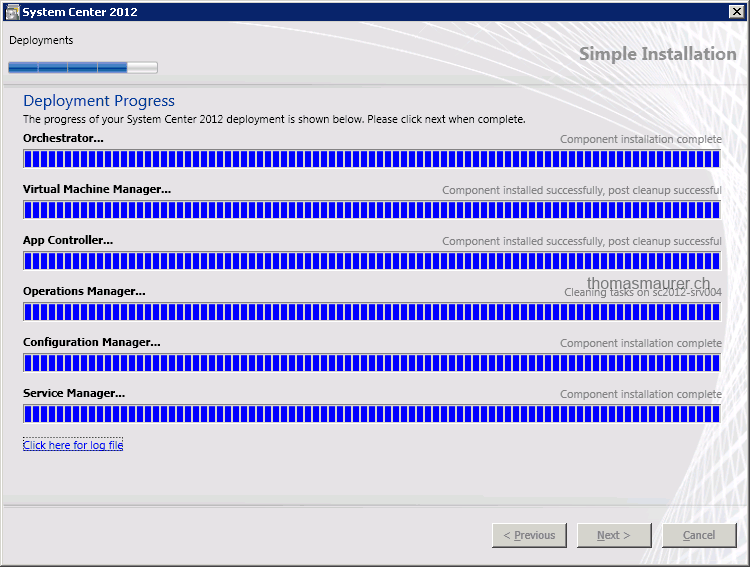
- After all products are installed, SCUI will do a cleanup
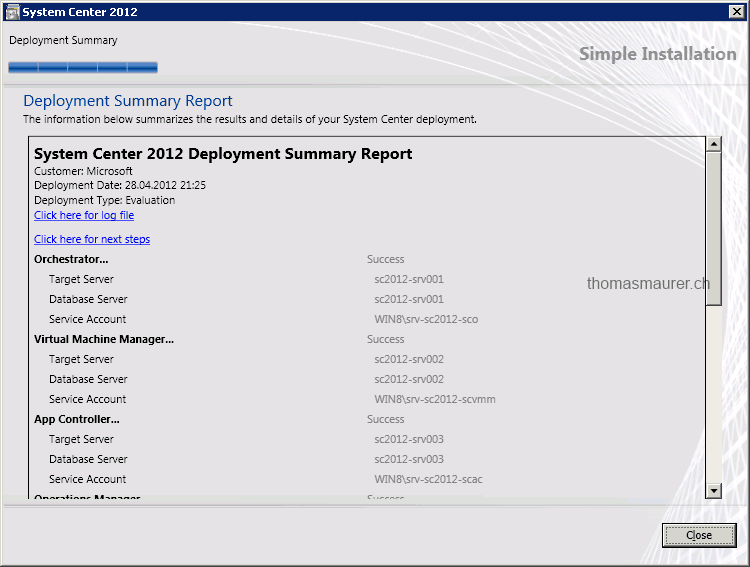
- And about 3 hours later you are done
I think this is very cool and can you save a lot of time if you are doing a Proof of Concept or a Lab deployment of the System Center products.