Adding Hyper-V Hosts to the Failover Cluster is pretty simple. And I will keep this part very short.
- First Setup your Hyper-V Hosts and configure the them (network, storage, etc)
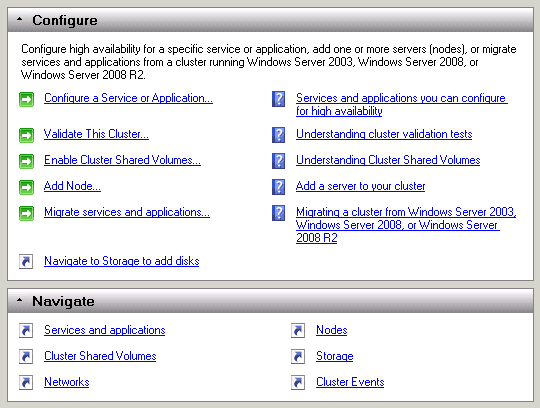
- Now open the Failover Cluster Manager and choose “Add Node…”

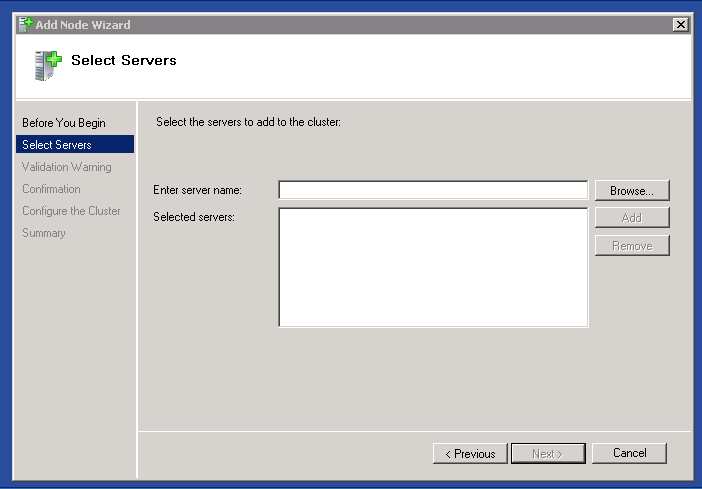
- Select the new Hosts

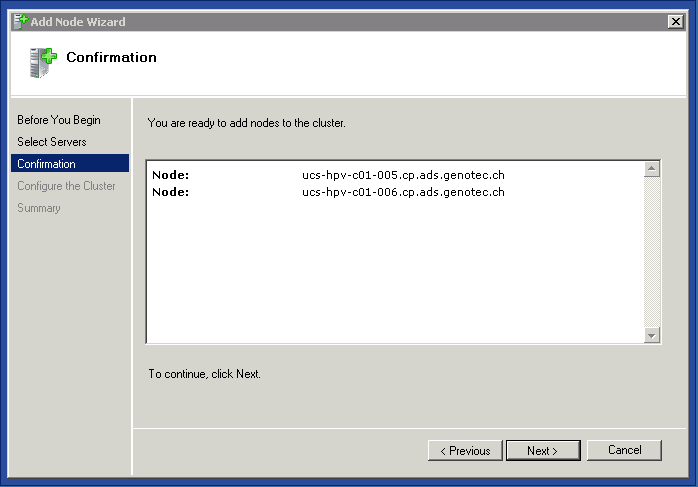
- After you check you have added the right Hyper-V Hosts click next

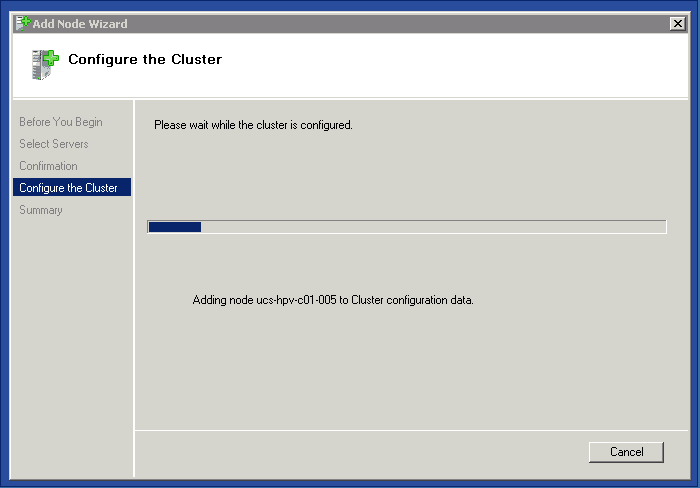
- Now the hosts are added to the Failover Cluster
Now you can add or move virtual machines to the new Cluster Nodes.
Tags: Add Nodes, Add Nodes to Hyper-V Cluster, Cisco, Cisco UCS, Cisco UCS Hyper-V Cluster, Cluster, Cluster Nodes, Hyper-V, Hyper-V Cluster, Hyper-V Failover Cluster, Hyper-V Hosts, Hyper-V Nodes, Microsoft, Nodes, UCS Last modified: March 13, 2011