
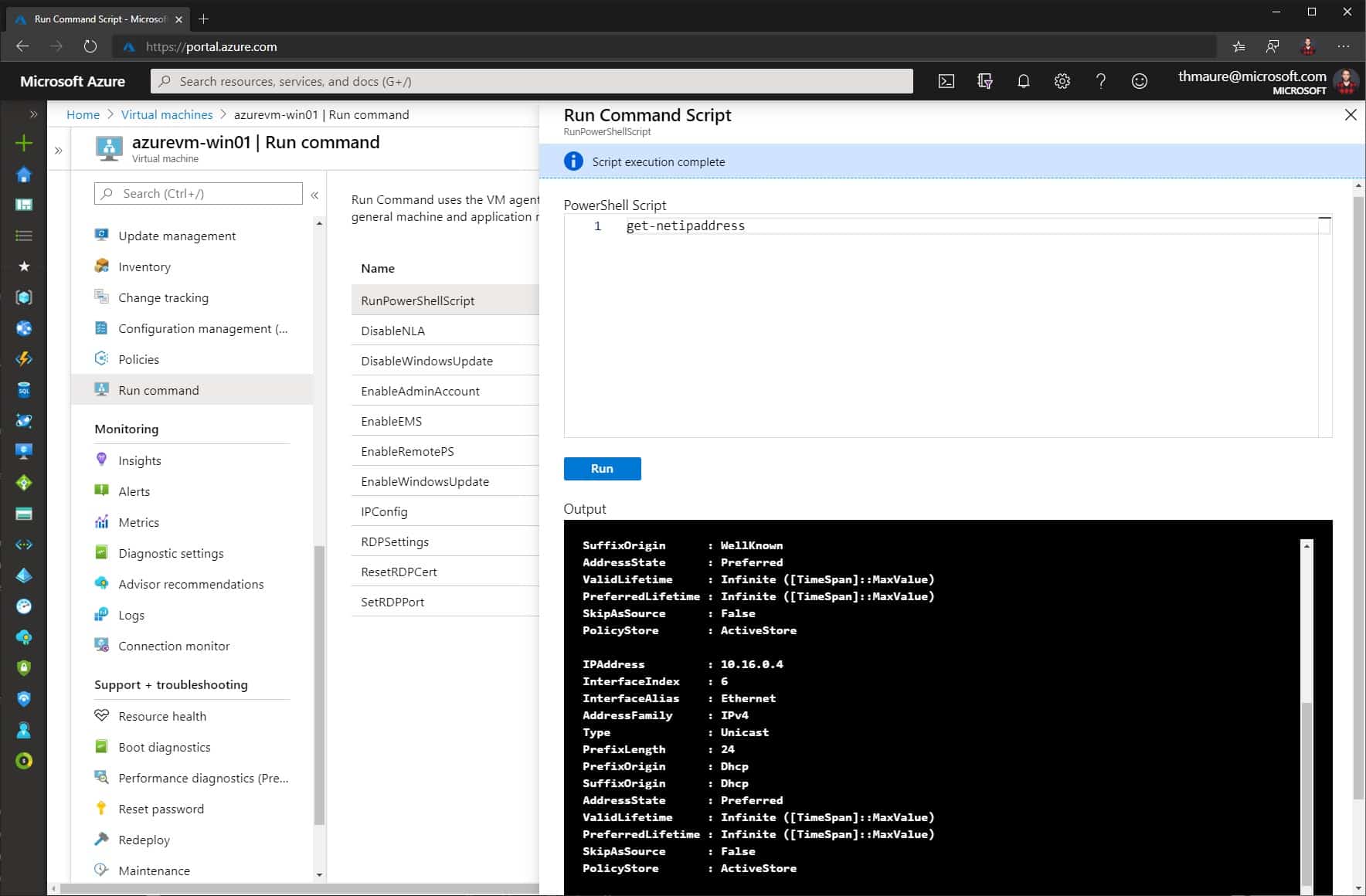
How to Run Scripts in your Azure VM using Run Command
You can access your Azure IaaS virtual machine (VM) in multiple ways like SSH or RDP, depending on...
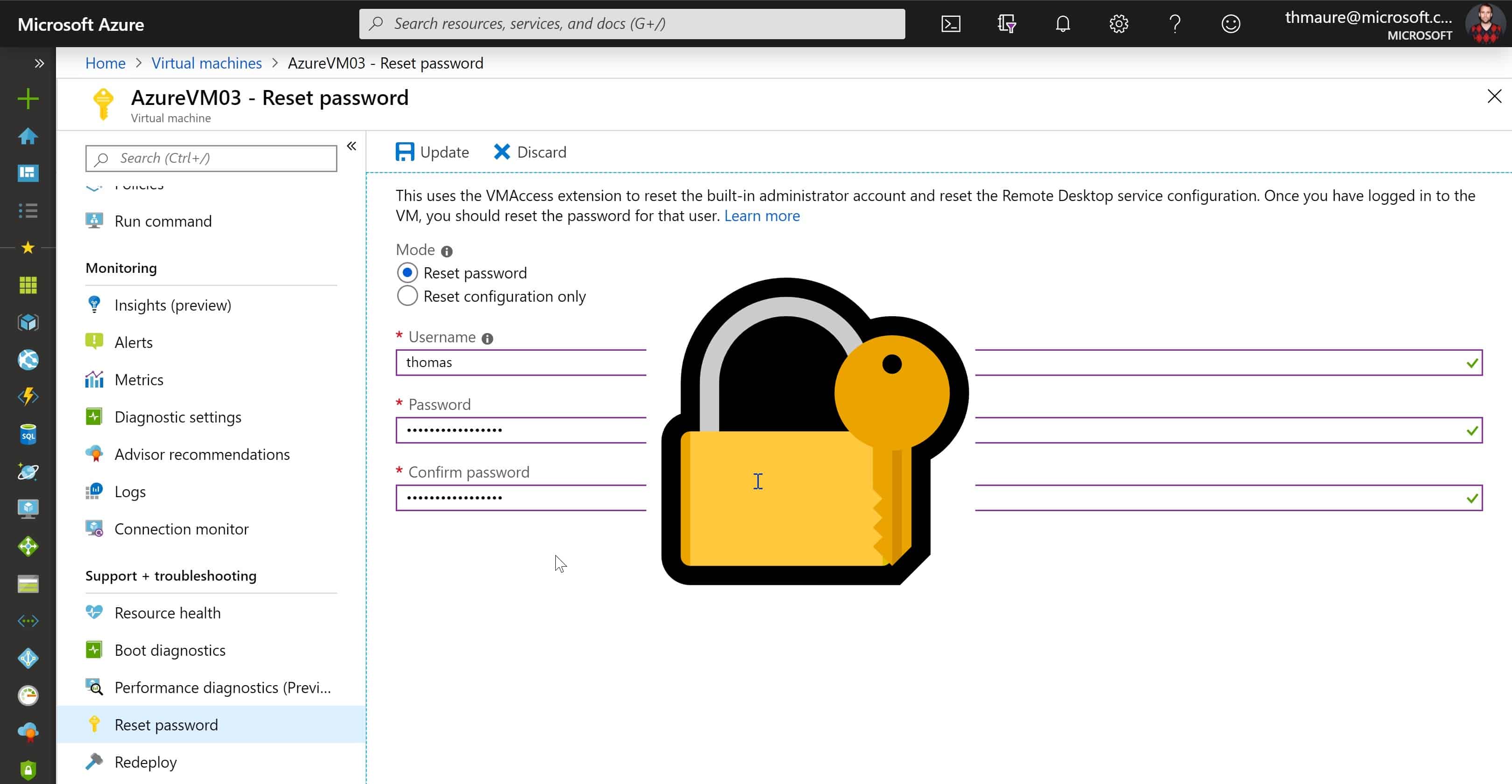
How to Reset RDP and Admin Password of an Azure VM
I think we all had that experience where we suddenly couldn’t use Remote Desktop Services (RDP) to access our Windows Server anymore....
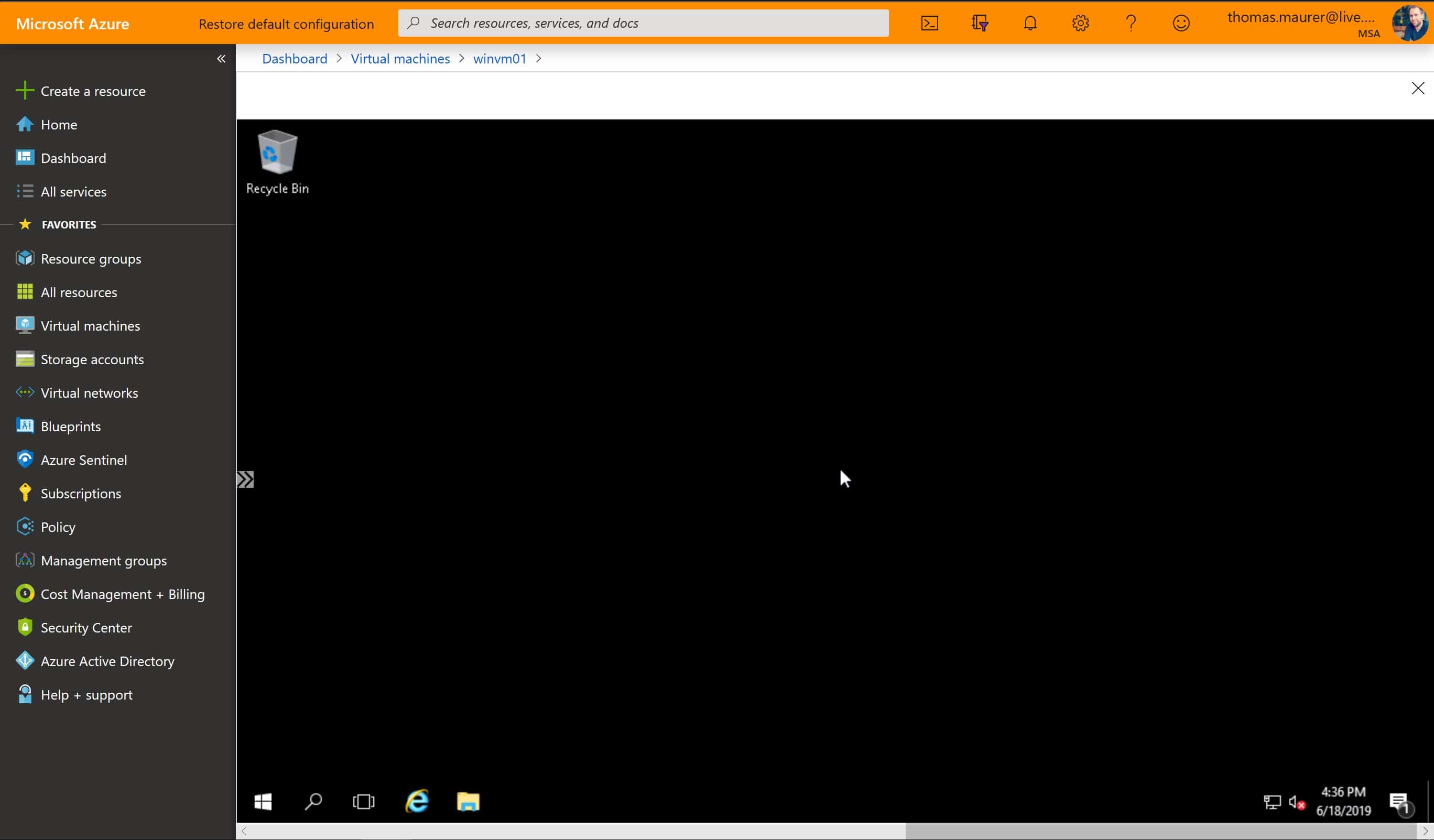
Azure Bastion – Private RDP and SSH access to Azure VMs
Azure Bastion is a new service which enables you to have private and fully managed RDP and SSH access to your Azure virtual machines. If...
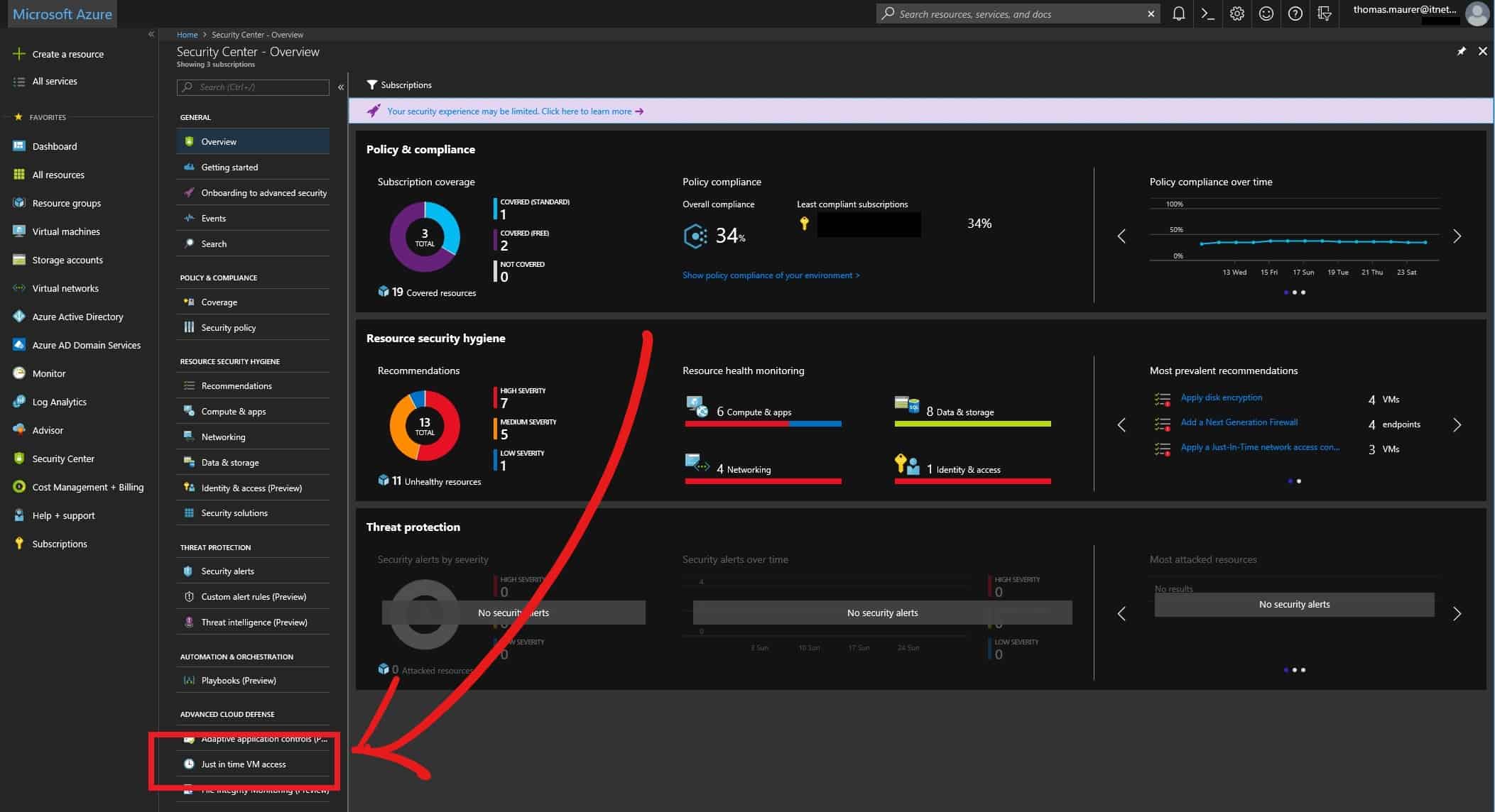
Azure – Just in Time VM access
If you run virtual machines with a public IP address connected to the internet, attackers...

Speaking at E2EVC 2015 Lisbon
After a great time in the US visiting VeeamON 2015, the Microsoft MVP Summit 2015 and the MMS 2015, I am happy to announce that I will...
Windows Server 2008: Allow multiple Remote Desktop sessions per user
In Windows Server 2003 you could have multiple Remote Desktop session with the same user. In Windows Server 2008 this is not possible by...
Still love my iPad
I still love my iPad. Now I really start to work with it. It keeps my life simple and easy. First I...




