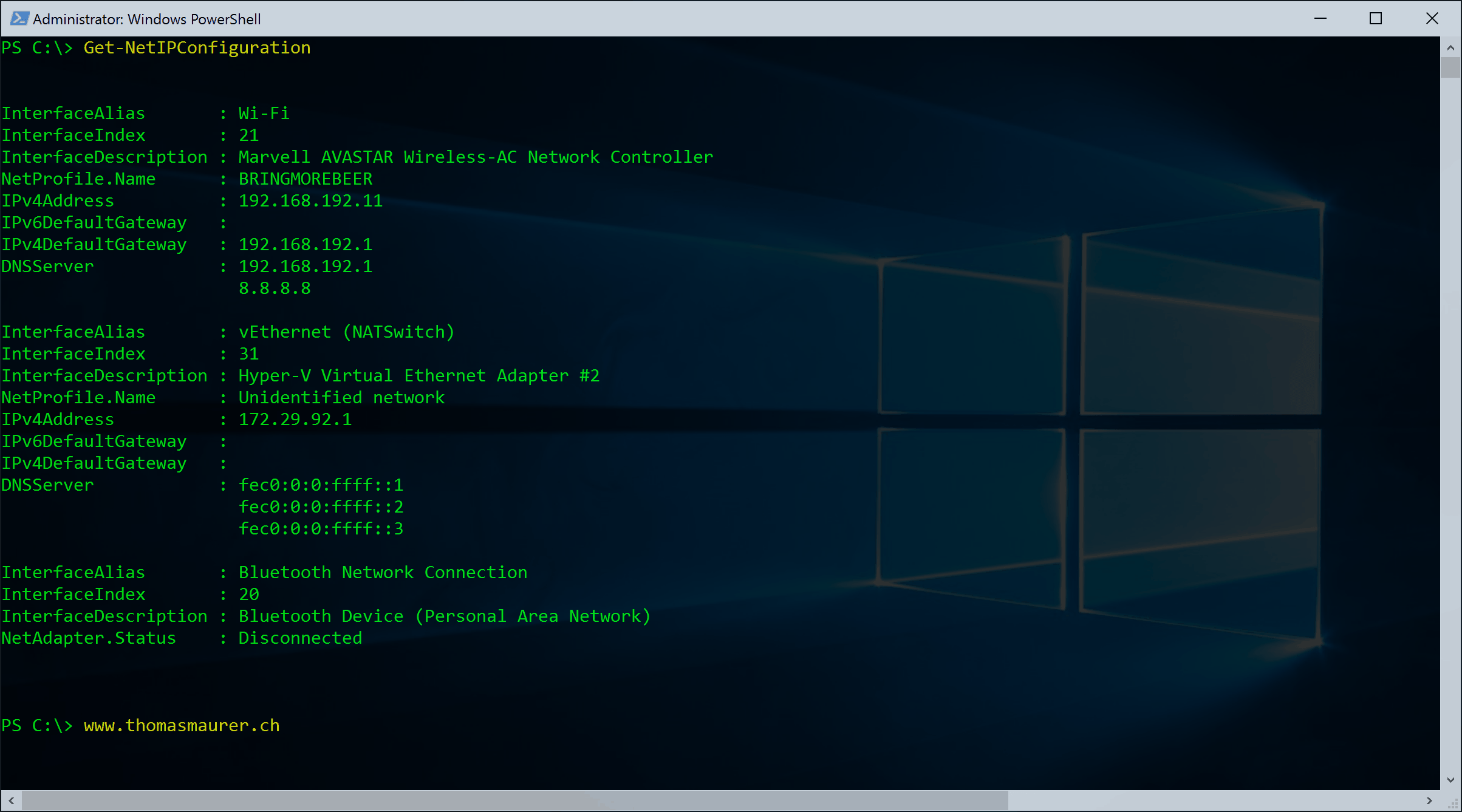
Some days ago I made a blog post about how you can replace diskpart.exe with the new cmdlets in Windows PowerShell v3. Now my next goal was to replace netsh with PowerShell.
Microsoft offers a lot of new cmdlets for networking tasks lets see what we have here. We got a lot of new PowerShell modules which are related to networking.
Now the two modules which sound really interesting are
NetAdapter NetTCPIP
lets check which cmdlets are included
Get-Command -Module NetAdapter
Get-Command -Module NetTCPIP
Now lets start with NetAdpater.
List all Network Adapters
Get-NetAdapter
Just list Wireless Network Adapters
Get-NetAdapter -Name *Wireless*
Get more information VLAN ID, Speed, Connection status
Get-NetAdapter | ft Name, Status, Linkspeed, VlanID
Get driver information
Get-NetAdapter | ft Name, DriverName, DriverVersion, DriverInformation, DriverFileName
Get adapter hardware information. This can be really usefull when you need to know the PCI slot of the NIC.
Get-NetAdapterHardwareInfo
Disable and Enable a Network Adapter
Disable-NetAdapter -Name "Wireless Network Connection" Enable-NetAdapter -Name "Wireless Network Connection"
Rename a Network Adapter
Rename-NetAdapter -Name "Wireless Network Connection" -NewName "Wireless"
Now with the NetTCPIP PowerShell module we can work with IP settings
Get IP and DNS address information
Get-NetAdapter -Name "Local Area Connection" | Get-NetIPAddress
Get IP address only
(Get-NetAdapter -Name "Local Area Connection" | Get-NetIPAddress).IPv4Address
Get DNS Server Address information
Get-NetAdapter -Name "Local Area Connection" | Get-DnsClientServerAddress
Set IP Address
New-NetIPAddress -InterfaceAlias "Wireless" -IPv4Address 10.0.1.95 -PrefixLength "24" -DefaultGateway 10.0.1.1
or if you want to change a existing IP Address
Set-NetIPAddress -InterfaceAlias "Wireless" -IPv4Address 192.168.12.25 -PrefixLength "24"
Remove IP Address
Get-NetAdapter -Name "Wireless" | Remove-NetIPAddress
Set DNS Server
Set-DnsClientServerAddress -InterfaceAlias "Wireless" -ServerAddresses "10.10.20.1","10.10.20.2"
Set interface to DHCP
Set-NetIPInterface -InterfaceAlias "Wireless" -Dhcp Enabled
Now with this basic knowledge we can replace some of the basic netsh commands and ipconfig
netsh
ipconfig netsh interface set interface "Local Area Connection" newname="Management" netsh interface ipv4 set address "Management" static 192.168.10.101 255.255.255.0 192.168.10.1
Windows PowerShell
Get-NetAdapter Rename-NetAdapter -Name "Local Area Connection" -NewName "Management" New-NetIPAddress -InterfaceAlias "Management" -IPv4Address 192.168.10.101 -PrefixLength "24" -DefaultGateway 192.168.10.1