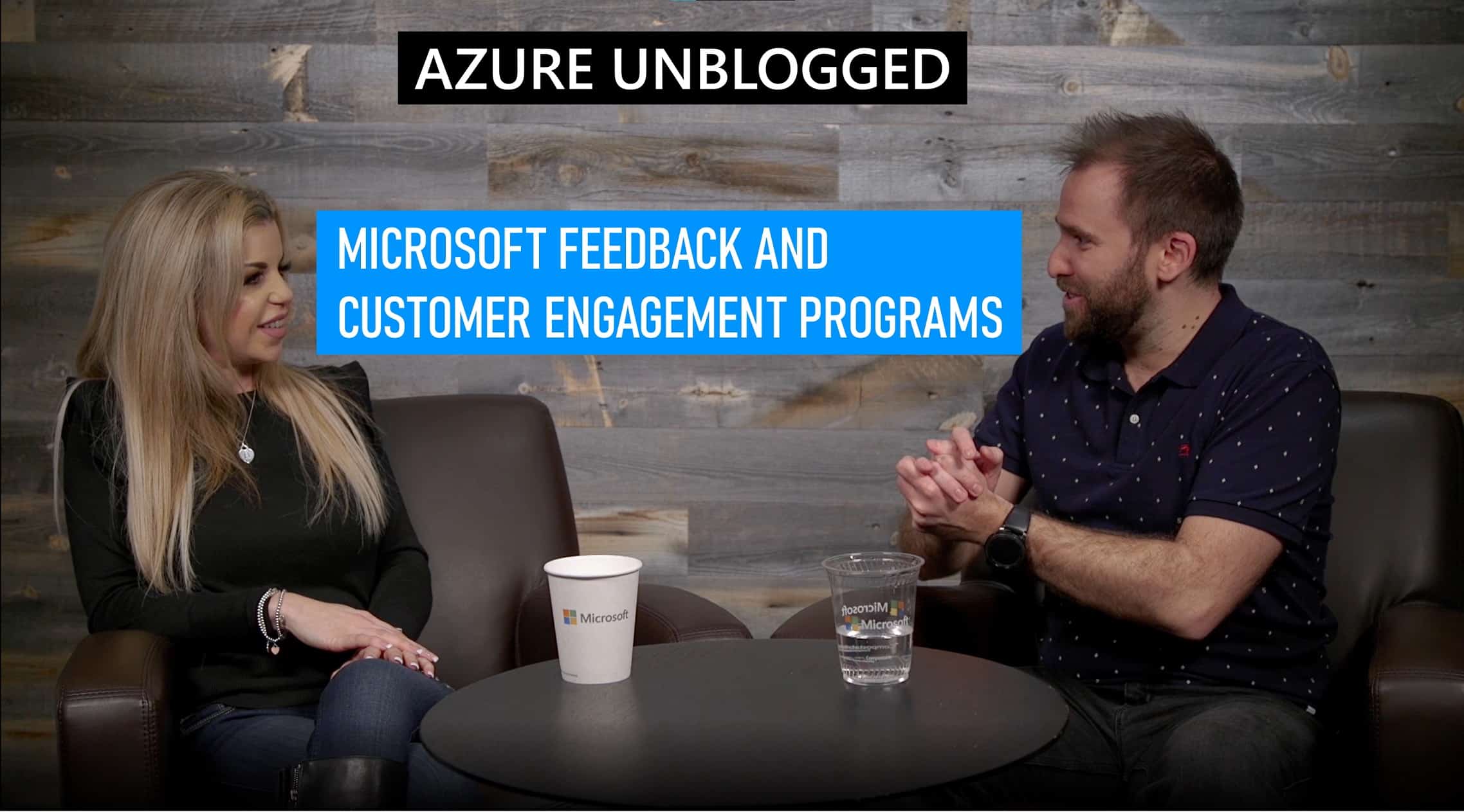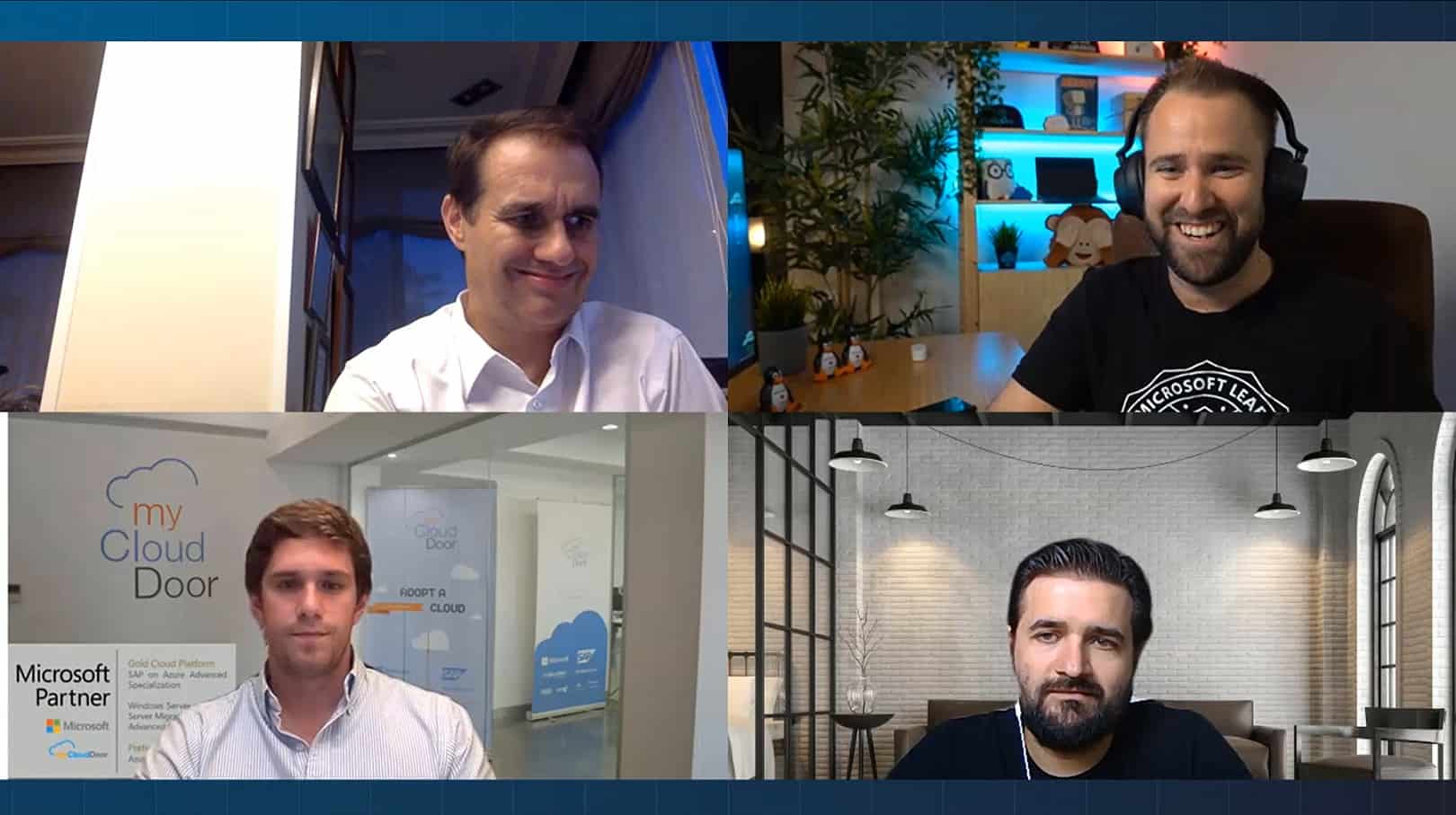
Carsten Rachfahl (MVP Virtual Machine) had the chance to interview Ben Armstrong (Hyper-V Program Manager) also known as “Virtual PC Guy”.
Tag Archives: Interview
Interview: Hyper-V-Server.de Podcast
Carsten Rachfahl (MVP Virtual Machine) from hyper-v-server.de just released one of his Hyper-V and Microsoft Private Cloud podcasts. In this podcast Carsten collects a lot of information about Hyper-V like blog posts, whitepapers, videos and events. In this blog post he also included two interviews, one with Bernhard Frank (Microsoft Private Cloud Evangelist) and also one with me. In 10 to 15 minutes Carsten and I talked about my new Microsoft MVP award, new features in Windows Server 2012 Hyper-V and my visit in Redmond during the Microsoft System Center TAP Airlift event.
The podcast can be found here: Microsoft Virtualisierungs Podcast Folge 24: Interview mit einem Private Cloud Evangelisten und einem MVP Virtual Machine (German)
Some months ago I already had the chance to talk to Carsten during a Video interview (German).
In the podcast Carsten also added some events where I will talk about Microsoft Private Cloud, Windows Server 2012 Hyper-V and System Center Virtual Machine Manager.
- October 26 – Geekmania (Sessions about Windows Server 2012 Hyper-V and Storage with Philipp Witschi from itnetx gmbh)
- November 20 – IT-Pro TechDays Schweiz (Session about System Center Virtual Machine Manager 2012 SP1 with Michel Lüscher from Microsoft)
Windows Server 2012 Hyper-V – Welcome to the Post-VMware Era!
Today is the day Microsoft official releases Windows Server 2012 and Microsoft is doing a virtual launch event. Windows Server 2012 is a huge step forward for Microsoft virtualization technology Hyper-V.
I the past year I wrote a lot of blog post about the new features in Windows Server 2012 and Hyper-V. I also did some comparing between VMware vSphere 5 and Windows Server 2012 Hyper-V.
First to get an overview about the new feature in Windows Server 2012 Hyper-V you should check out my blog post: Hyper-V 2012 – Hey I Just Met You And This Is Crazy
Windows Server 2012 Hyper-V Features
You can find some advanced blog posts about new technologies, which cover for example Hyper-V Replica, Converged Fabric and Cluster-Aware Updating here:
- Windows Server 2012 Hyper-V: VM Resource Metering via PowerShell
- Hyper-V VHDX Format Specification v1.00
- Windows Server 2012 Hyper-V: Virtual Disk VHD & VHDX recommendations
- How to setup a Virtual Machine with Hyper-V Replica
- Windows Server 2012 Hyper-V: Cluster-Aware Updating (CAU)
- Windows Server 2012 Hyper-V: How to clone a Virtual Domain Controller
- Windows Server 2012 Hyper-V – How to create a new VHD from a source VHD
- Hyper-V Replica – The Game Changer
- Windows Server 2012 Hyper-V Converged Fabric
- Windows Server 2012 Hyper-V: Supported Guest Operating Systems
- Windows Server 2012: Datacenter TCP (DCTCP)
- Windows Server 2012 NIC Naming
- Windows Server 2012 Hyper-V: Convert VHD to VHDX
- Windows Server 2012 – Add and Remove GUI
- Windows Server 2012 – CDN (Consistent Device Naming)
- Windows Server 2012: CSV Cache Benchmark
- Create a Windows Server 2012 iSCSI Target Server
- Setup Windows Server 8 Hyper-V Cluster
- Windows Server 8 NIC Teaming
Hyper-V vs. VMware
If you are a VMware vSphere user at the moment, you should checkout my blog post series about Hyper-V vs. VMware.
- Convert VMware vSphere Virtual Machines to Microsoft Hyper-V
- Quick: Windows Server 2012 Hyper-V vs VMware vSphere 5.1
- Hyper-V vs. VMware vSphere – Scale
- Hyper-V vs. VMware vSphere - Guest Clustering
- Hyper-V vs. VMware vSphere – Networking
- Hyper-V vs. VMware vSphere – Storage
- Hyper-V vs. VMware vSphere – Host Deployment
- Hyper-V vs. VMware vSphere – Fault Tolerance
Hyper-V and Windows PowerShell
If you are deploying Windows Server 2012 in your environment have a look at PowerShell. Windows PowerShell v3 which is included in Windows Server 2012 and Windows 8 is also a great release. I recommend reading the following posts:
- Windows Server 2012 Hyper-V: VM Resource Metering via PowerShell
- Create Multiple Hyper-V Virtual Machines via PowerShell
- Get Integration Services Version of Windows Server 2012 Hyper-V Virtual Machines
- Replace netsh with Windows PowerShell – Basic network cmdlets
- Replace Diskpart with Windows PowerShell – Basic Storage cmdlets
- Windows Server 2012: Doing multiple configuration changes on Hyper-V VMs via PowerShell
- Windows Server 2012: Hyper-V Snapshot Reminder
- Hyper-V 3: Import and Export VMs with PowerShell
- Hyper-V 3: Attach multiple VHDs via PowerShell
Hyper-V and System Center
To manage Hyper-V Microsoft offers System Center 2012 and with the release of Service Pack 1 Microsoft will support the new features in Windows Server 2012.
- What’s new in System Center 2012 Service Pack 1 Beta
- SCVMM 2012: Add Logical Network to all Hyper-V Hosts in HostGroup via PowerShell
- Customize System Center App Controller Portal
- SCVMM 2012 Hyper-V Bare-Metal Deployment on Cisco UCS C200
- How to add VMware vSphere in SCVMM
- System Center 2012 App Controller connecting to Windows Azure
- System Center 2012 SP1 CTP2 – Virtual Machine Manager Improvements #1
- System Center 2012 CTP2 – Virtual Machine Manager
Interview about the new feature in Windows Server 2012 Hyper-V
In July I met with Carsten Rachfahl who is a MVP for Virtual Machine and the owner of hyper-v-server.de. Carsten was visiting Switzerland and he also took the time to do some interviews and I had the chance to speak with him.
In the interview (in german) we talked about the new release of Windows Server 2012 Hyper-V which is included in Windows Server 2012:
Next Events
- System Center 2012 SP1 TAP Airlift @Redmond
- Two Private Cloud Sessions at Geekmania 2012
- E2EVC Virtualization Conference
- Techdays Switzerland
Downloads
Credits for the blog post title go to Michael Faden from Microsoft Switzerland.
Interview about new Windows Server 2012 Hyper-V Features

Last week I met with Carsten Rachfahl who is a MVP for Virtual Machine and the owner of hyper-v-server.de. Carsten was visiting Switzerland and he also took the time to do some interviews and I had the chance to speak with him.
In the interview (in german) we talked about the new release of Hyper-V which is included in Windows Server 2012.
- 01:55 – Hyper-V Replica
- 03:10 – Hyper-V Design
- 03:35 – SMB for Hyper-V
- 05:50 – Hyper-V Converged Fabric
- 07:41 – Shared Nothing Live Migration
- 09:40 – Hyper-V for Hoster
- 11:04 – CSV Cache
- 12:28 – Hyper-V Converged Fabric
- 13:45 – Hyper-V and PowerShell
You can watch the interview in better resolution on it-cast.de.
If you are interested in my sessions about Hyper-V 2012 and other great Private Cloud session covering Windows Server 2012 and System Center 2012 checkout the Geekmania 2012 website.