
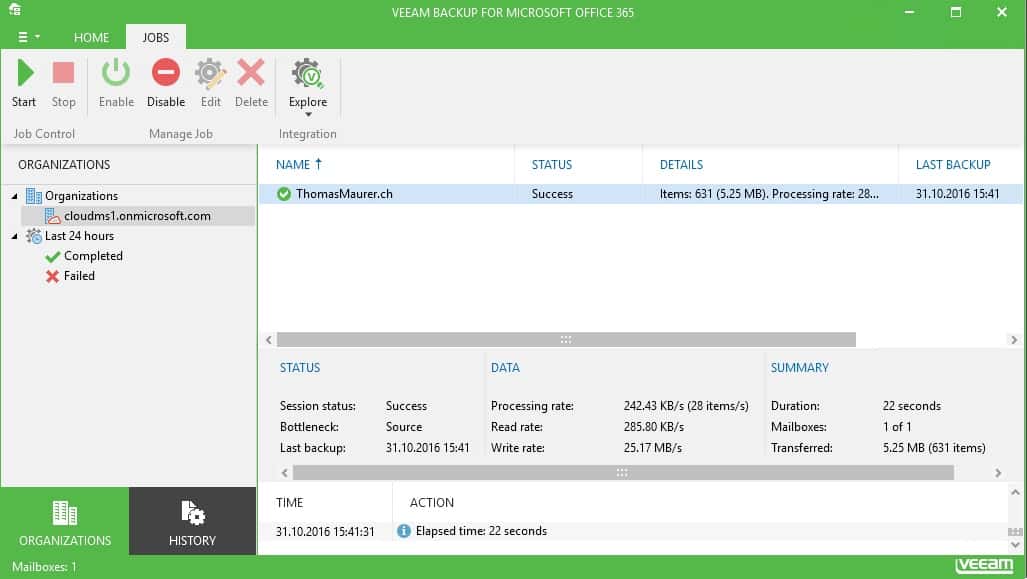
Veeam Backup for Microsoft Office 365
Some weeks ago Veeam announced Veeam Backup for Microsoft Office 365 and now you can finally...
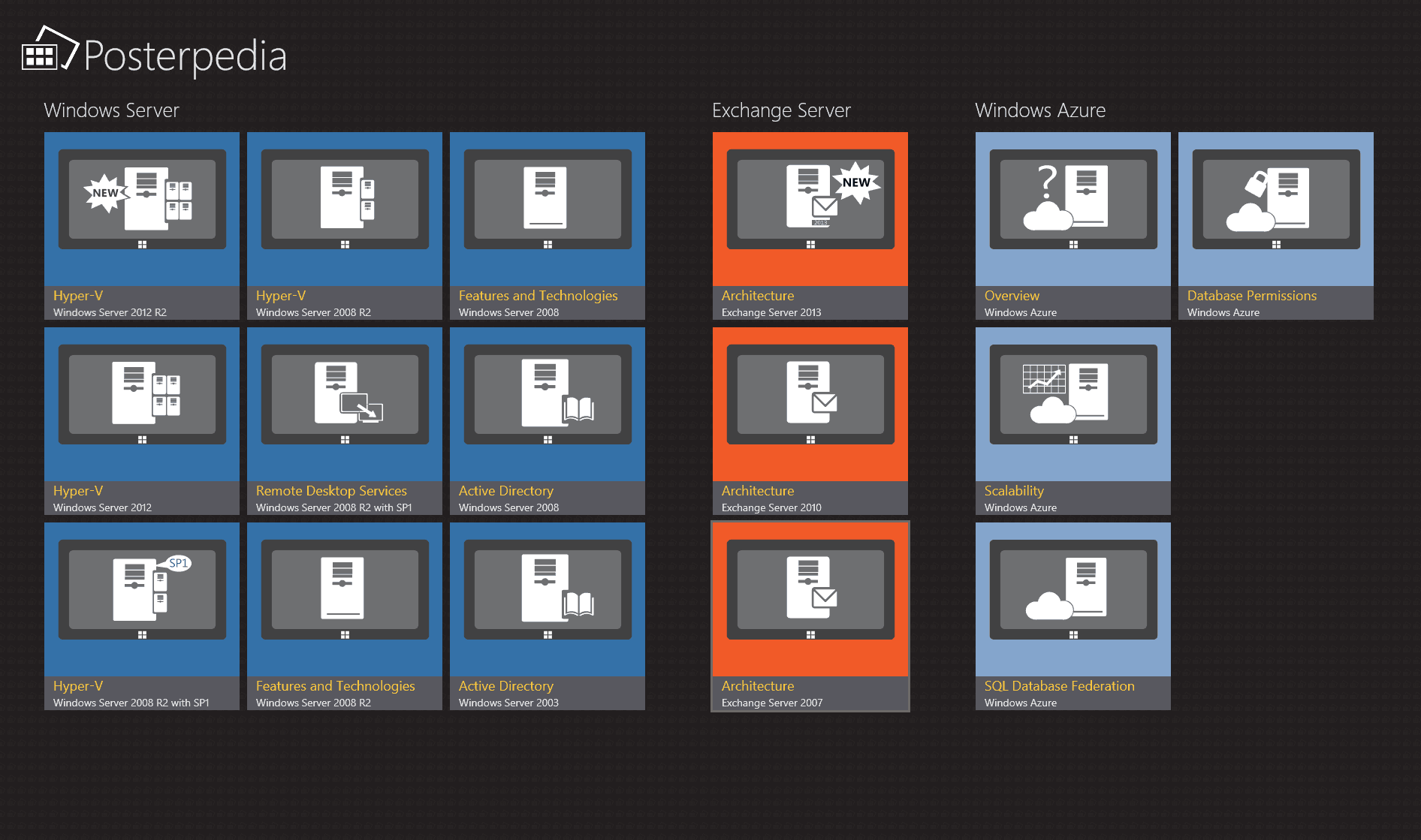
Microsoft Server Posterpedia Windows 8.1 App just updated
Some days ago Microsoft released some of the new architecture poster for Windows Server 2012 R2 Hyper-V. Today Microsoft released an update...

Create a DNS Entry for Exchange Autodiscover
This is a short blog post how you can create the DNS records and entry for Microsoft Exchange Autodiscover in the Genotec Hosting Control...
Office 365 and Windows Phone Mango – an awesome team
Now I am still working with Office 365. I am still try to test all the features and also the...
Office 365 – Can not receive mails with ownen Mail Domain
After working with some test accounts in Microsoft Office 365 I realized I could not send mails to my own domain. In the Office 365 control...
Powershell: How to connect to Office 365 with Powershell
You can simply manage and administrate Office 365 from your Powershell prompt or with your own Powershell scripts. Here is how you can...
Microsoft Office 365
In the last days I started to work with the Microsoft beta of Office 365. After testing it for a...
Use Hotmail as a Exchange Account on your iPhone
Hotmail or Windows Live do support ActiveSync for Mobile Devices like Windows Phone 7, iOS, Blackberry and so on. But it does not support...




