
Import Evernote notes to OneNote 2010

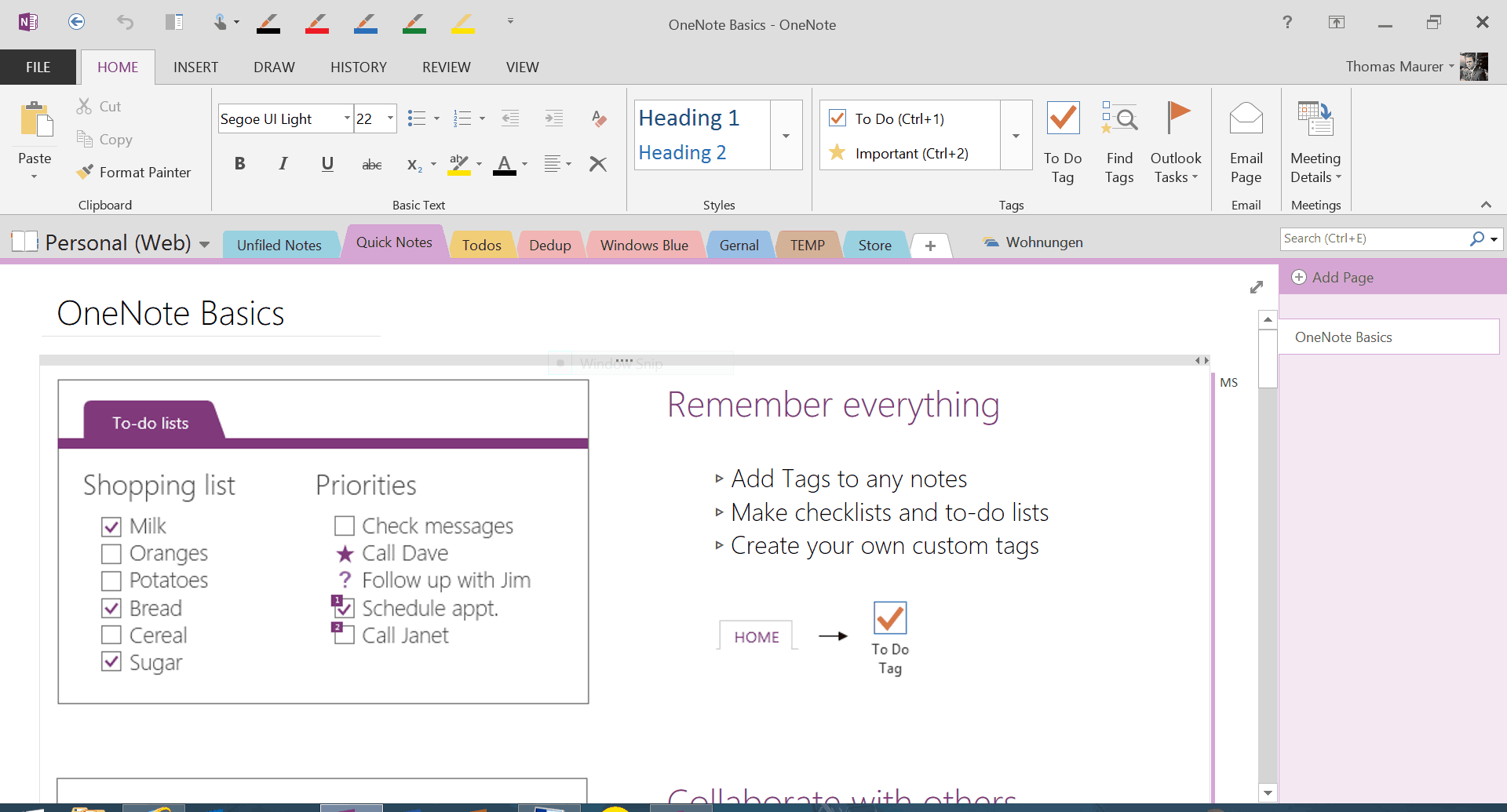
Microsoft OneNote 2010Since I work more and more with Windows 7 I had a look at Microsoft OneNote 2010. Before I used Evernote and I was happy with it. But as I saw OneNote and startet using it, I can’t think being without it. There are alot of features I really love and OneNote 2010 is really nice integrated into Windows 7 and the Office products.

So if you wish to migrate from Evernote to Microsoft OneNote 2010 you can do that in diffrend ways.

  • Import Notes via Outlook (send Evernote Notes via email and import them in Outlook via the Send to OneNote button)
  • Export Notes as HTML and Import Them Into OneNote
  • Import Notes via the OneNote Printer

You can read a great HowTo on howtogeek.com

Btw. Microsoft released also OneNote for iPhone

Still love my iPad

iPad

I still love my iPad. Now I really start to work with it. It keeps my life simple and easy.

First I start with a daily briefing with my todos (Things) and events for today. I also read a lot of news with my Google Reader app (Newsrack) which also syncs with my iPhone, so I always see whats new around the tech world.

Through the day I need it to get quick information about tech or other stuff. I also use it for social networks like facebook, twitter and so on.

iPad iTap RDP

With Apps like iTap RDP I can use it to control Windows Server in our Datacenter and create and read notes with Evernote. There is also a pretty cool Powershell Guide for the iPhone and the iPad called iPowershell.

iPadAt home I use it as a Remote Controller for iTunes, my Dreambox and other things. And if I have a moment i don’t need it, I use it as a Picture frame.

Important to note, the iPad does not replace my notebook or my iPhone, but there are a lot of new things, I never thought about I could do this way.

iPad arrived

My iPad arrived last Friday. After playing and testing the iPad the last days, I don’t know how I could live without this device. It makes life so much easier. I really love Apps like iTap (Remote Desktop), Things, Evernote, Safari, the standard calender app and and and…

It great with how much love Apple creates these devices and software. I will post a full review at the end of the week.

iPad Lockscreen iPad iPad

iPad Homescreen iPad Homescreen




